12 Best AI Video Tools in 2026 That Actually Work: What To Avoid, And How To Choose
With 41% of marketers already using AI in video production, the challenge is no longer finding tools, but finding the best AI video tools that actually work in 2026 instead of wasting time on hype.
May 24, 2026 12:38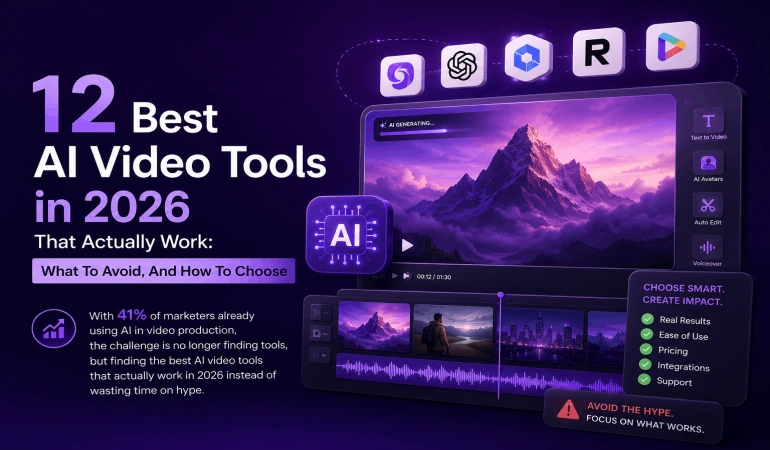
Master Comparison of 12 AI Video Tools
How We Tested: Our Methodology
To find the AI video tools that actually deliver on their promises, we didn't just look at feature lists. We put them through a "Real-World Stress Test."
The Starting Pool: We initially shortlisted 32 AI video platforms that claimed to automate editing, clipping, or generation.
The "10-Minute Baseline" Test: We used a standard 10-minute raw 4K talking-head podcast as our control file. We ran this file through every tool to see how accurately they could detect highlights, generate captions, and remove "dead air."
The 60-Second Social Challenge: For generative tools, we tested their ability to create a high-quality 60-second social ad from a single URL, looking specifically for "uncanny valley" glitches in AI voices and generic b-roll mismatches.
Selection Criteria: We narrowed our list down to these 12 options based on four specific metrics:
Time Savings: Did it actually save 50%+ of manual editing time?
Export Integrity: Was the final file production-ready (1080p/4K) without artifacts?
User Friction: Could a non-editor produce a result in under 15 minutes?
Value for Money: Is the "Starter" tier actually functional, or just a glorified demo?
AI Video Tools Hype vs Reality: What “Actually Works” Means
We see a lot of bold promises, so it is important to separate AI video tools hype from reality before you commit your budget or workflow. In our view, the best AI video generators that actually work meet three basic criteria: consistent output quality, clear time savings, and predictable behavior on real projects.
Many teams ask us, “Are AI video tools worth it if we already use a human editor?” Our answer is usually yes, because AI excels at repetitive tasks like silence cutting, repurposing, and captioning, while your editor focuses on strategy and storytelling.
AI that works: speeds up editing, clipping, and formatting without breaking your brand.
AI that disappoints: generic visuals, incorrect captions, or tools that crash or lag under real workloads.
Throughout this guide, we share an honest AI video tools review, covering tools we consider AI video tools worth using, plus patterns that signal overrated AI video tools or outright AI video tools to avoid. If you want to explore a step-by-step guide on how to select an AI video tool for your workflow, we have put together this guide to help you do that.
1. BigMotion: The Powerhouse for Faceless Channels and Automation
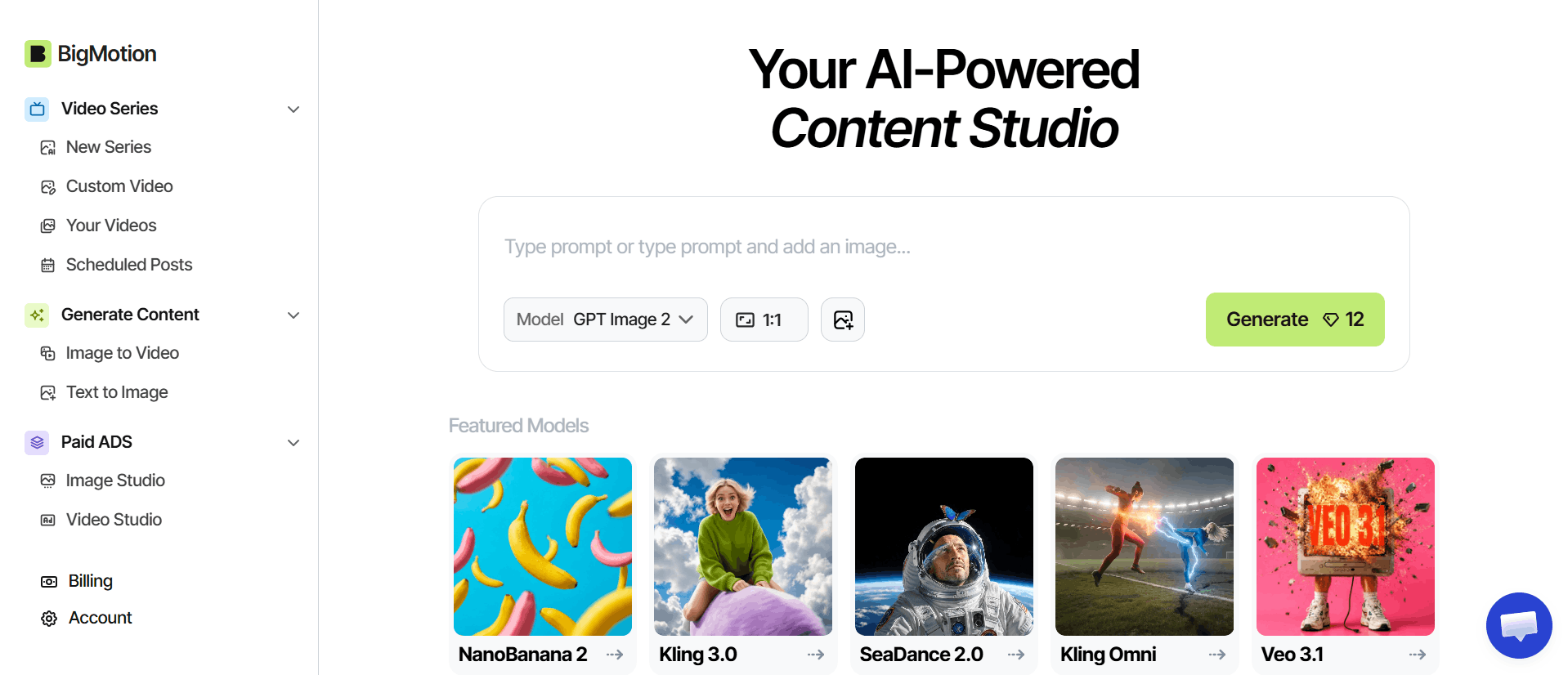
BigMotion is an all-in-one generative suite designed specifically for creators who want to scale without being on camera. Unlike simple editors, BigMotion focuses on complete video generation, turning a single text prompt or script into a fully produced video complete with AI-selected visuals, hyper-realistic voiceovers, and synced captions.
It is a top contender for "YouTube Automation" enthusiasts because it handles the heavy lifting of sourcing b-roll and arranging the timeline. In our testing, it excelled at creating "faceless" niche content like mystery stories or educational listicles that felt significantly more professional than the generic "stock-photo-slideshow" look other tools produce.
BigMotion Pricing and Use Cases
BigMotion operates on a credit-based system with tiers ranging from Launch ($19/month) to Scale ($69/month). The Basic plan is a solid entry point for testing the waters, while the higher tiers unlock "Auto-Shorts on Autopilot," which can generate and even schedule content for you.
It’s best suited for marketers running high-volume social ad campaigns (TikTok/Instagram) or creators building passive income channels on YouTube. If you need a tool that builds a video from scratch rather than just trimming what you already have, this is it.
Pros: Incredible speed for script-to-video; advanced motion controls for cinematic shots; built-in automated posting to social channels.
Cons: The credit-based system requires careful management; advanced "physics-based" camera controls have a steeper learning curve than one-click rivals.
2. Invideo AI: The "Type-and-Publish" Heavyweight
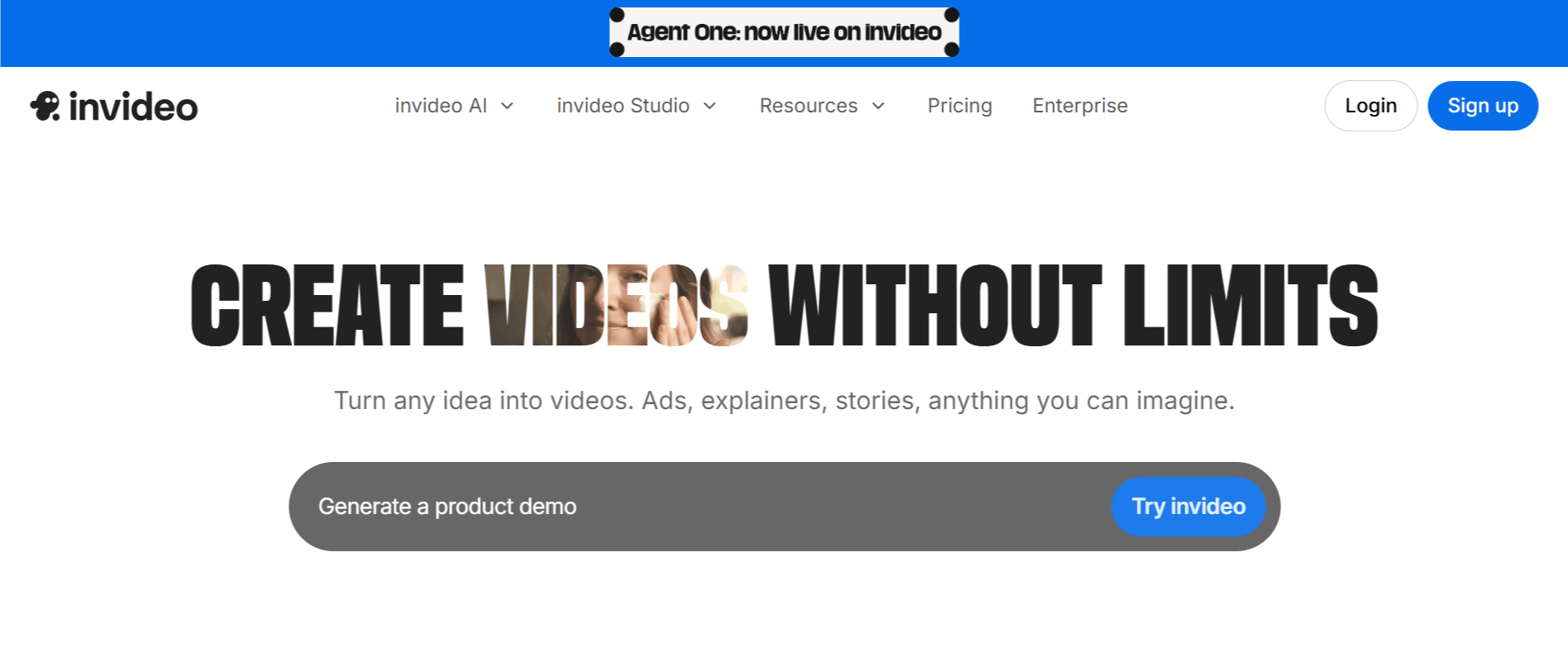
Invideo AI is arguably the closest thing to a "human editor in a box" available. It stands out by integrating frontier generative models like OpenAI’s Sora 2 and Google’s VEO 3.1 directly into its workflow. You simply type a prompt: "Make a 5-minute video about the history of coffee in a cinematic style," and the AI handles the script, voiceover, stock footage selection, and captions in one go.
Invideo AI Pricing and Use Cases
Invideo AI follows a subscription model, with its Plus plan starting around $20/month. It uses a credit-based system, which is ideal for "volume creators" who need to pump out multiple videos weekly. In our stress tests, it was the top choice for faceless YouTube channels and multilingual marketing, as it can auto-translate and voice your content in over 50 languages with startlingly natural results.
Pros: Access to Sora 2 and VEO 3.1 without standalone subscriptions; industry-leading voice cloning; massive library of 16M+ stock assets.
Cons: Credits are consumed even if the output needs a retry; scripts can feel "formulaic" without human editing; the free version is essentially a demo due to watermarks.
3. VideoExpress AI: The All-in-One Efficiency Suite
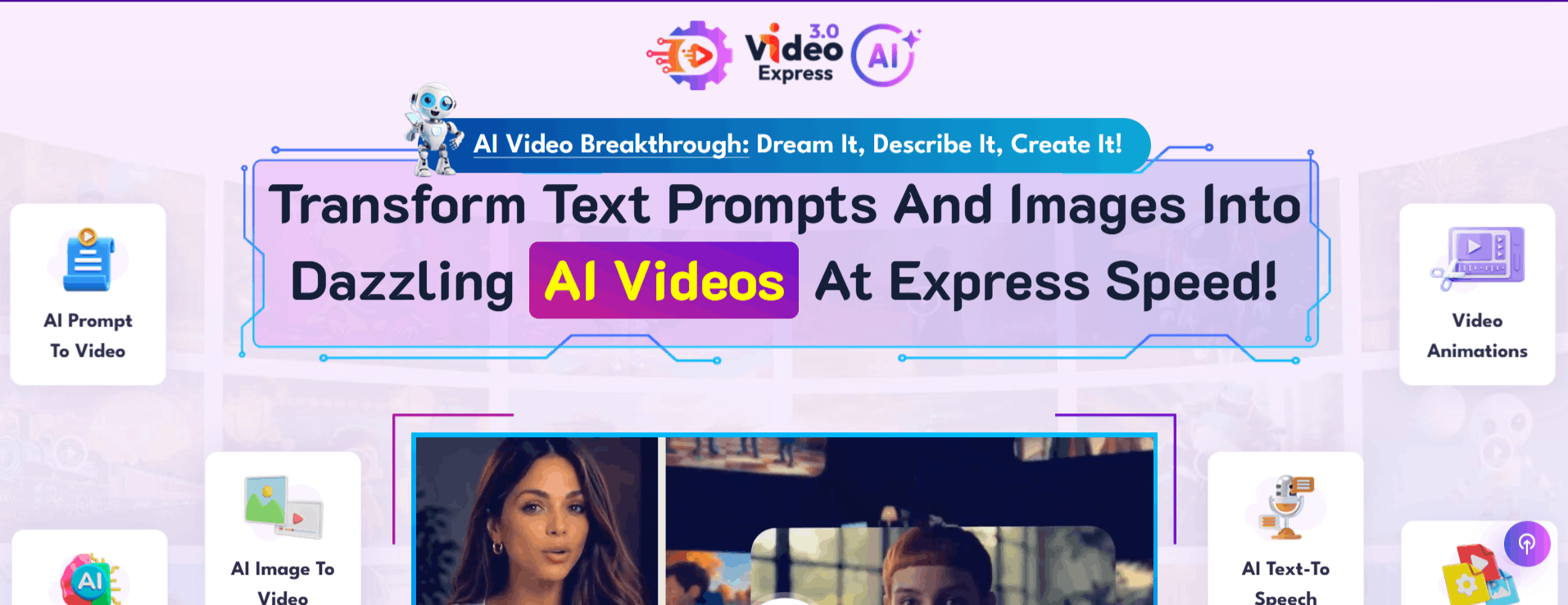
VideoExpress AI is a "swiss-army knife" tool that prioritizes workflow consolidation. While other tools focus on just one thing (like clipping or avatars), VideoExpress AI aims to replace your entire stack, Premiere, Photoshop, and Illustrator, for simple 2–3 minute projects. It includes a built-in timeline editor, 3D virtual characters, and an AI scripting engine designed for rapid content production. We have put together 25 VideoExpress AI alternatives you might want to explore.
VideoExpress AI Pricing and Use Cases
One of its biggest selling points is its lifetime access model, often seen at a one-time price of around $49. This makes it a favorite for small business owners and educators who want to avoid monthly SaaS fatigue. It’s best used for product explainers and step-by-step tutorials where you need a consistent virtual "host" to guide the viewer without hiring a spokesperson.
Pros: Incredible value with a one-time payment; intuitive "all-in-one" timeline; excellent for creating tutorials with virtual avatars.
Cons: The UI can feel a bit cluttered compared to more minimalist tools; rendering speeds can lag on complex projects; media management (uploads) can be slightly clunky.
4. Pictory AI: Text-to-Video That Actually Saves Time
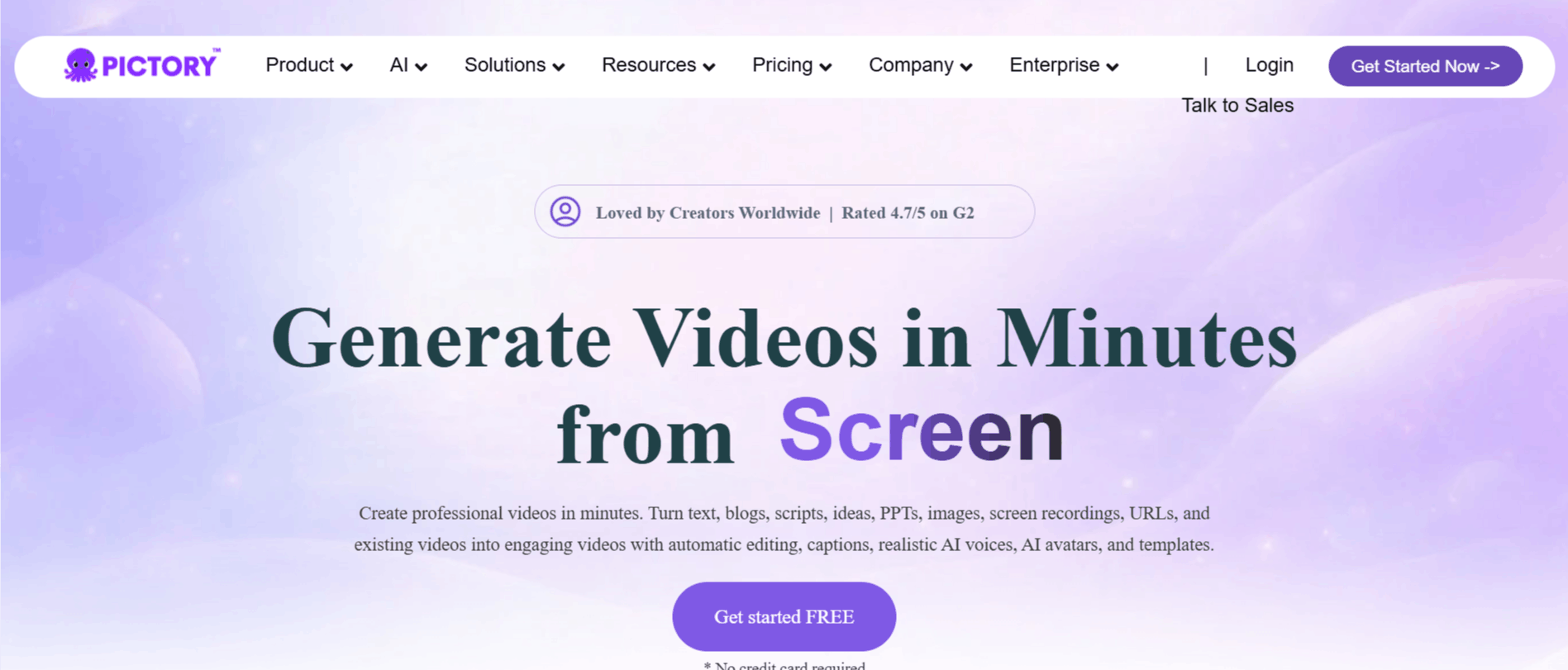
Pictory AI focuses on turning long-form written content into short, branded videos. You can convert blog posts, product pages, or scripts into narrated clips with auto-selected visuals and background music.
This is one of the clearest examples of AI video tools worth using if you publish a lot of text content and want video versions fast. It handles text-to-video, AI narration, and simple branding tools reliably for most use cases.
Pictory AI Pricing and Use Cases
The Pictory AI Starter plan is listed at $25 per month, which is affordable compared with hiring manual editors for every short clip. For many teams, that makes the cost-per-video competitive if you batch content.
Typical use cases include content marketing recaps, social teasers for articles, and product explainers generated directly from existing copy. In our testing, Pictory AI performs well on consistency, though you still need to review visuals and narration.
Pros: Fast text-to-video, built-in voiceovers, supports brand assets.
Cons: Visuals can feel generic, limited creative control compared to manual editing tools.
5. Quso AI: The Short-Form Content Factory
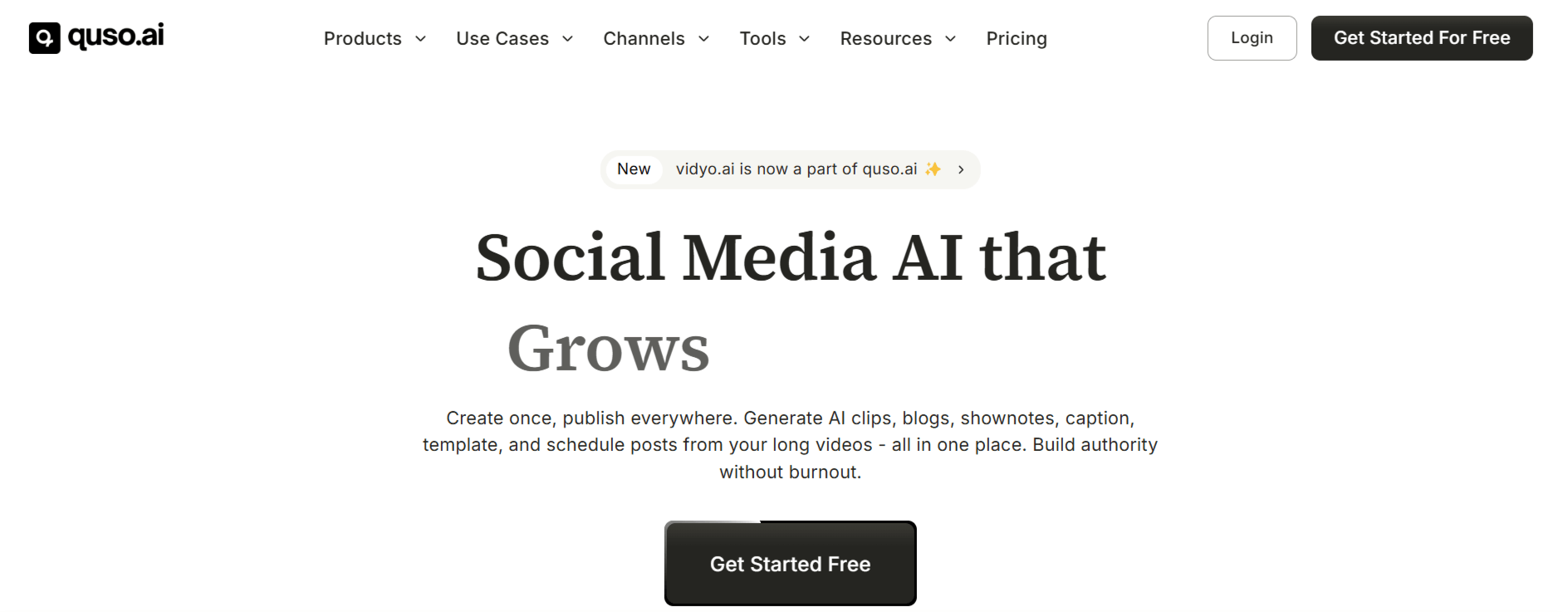
Quso AI (formerly vidyo.ai) is a specialist tool built for one primary goal: turning "long" into "short." It uses a sophisticated AI engine to analyze webinars, podcasts, and video interviews, automatically detecting the most engaging "viral" moments. Instead of you spending hours scrubbing through a 60-minute recording, Quso AI extracts the highlights, crops them for vertical viewing (9:16), and adds animated captions in seconds.
What sets it apart in 2026 is its "CutMagic" technology, which intelligently detects scene changes to keep the focus on the speaker, along with a Virality Score that predicts which clips are most likely to perform well on the TikTok and Reels algorithms.
Quso AI Pricing and Use Cases
Quso AI offers a generous Free Forever plan (75 credits/month), making it the best entry point for creators testing the waters. Paid tiers like the Lite Plan start around $24/month, unlocking 1080p exports and removing watermarks.
It is the go-to choice for podcasters, coaches, and B2B marketing teams who produce consistent long-form video and need a steady stream of "snackable" social media content without hiring a dedicated social media editor.
Pros: Incredible time-saver for highlight detection; accurate "auto-reframing" for vertical formats; built-in social media scheduler on higher tiers.
Cons: The credit-based system can be eaten up quickly by long videos; advanced scheduling and brand kits are locked behind the $59/month Growth tier; less creative freedom for non-linear editing.
6. Revid AI: The Faceless Channel Specialist
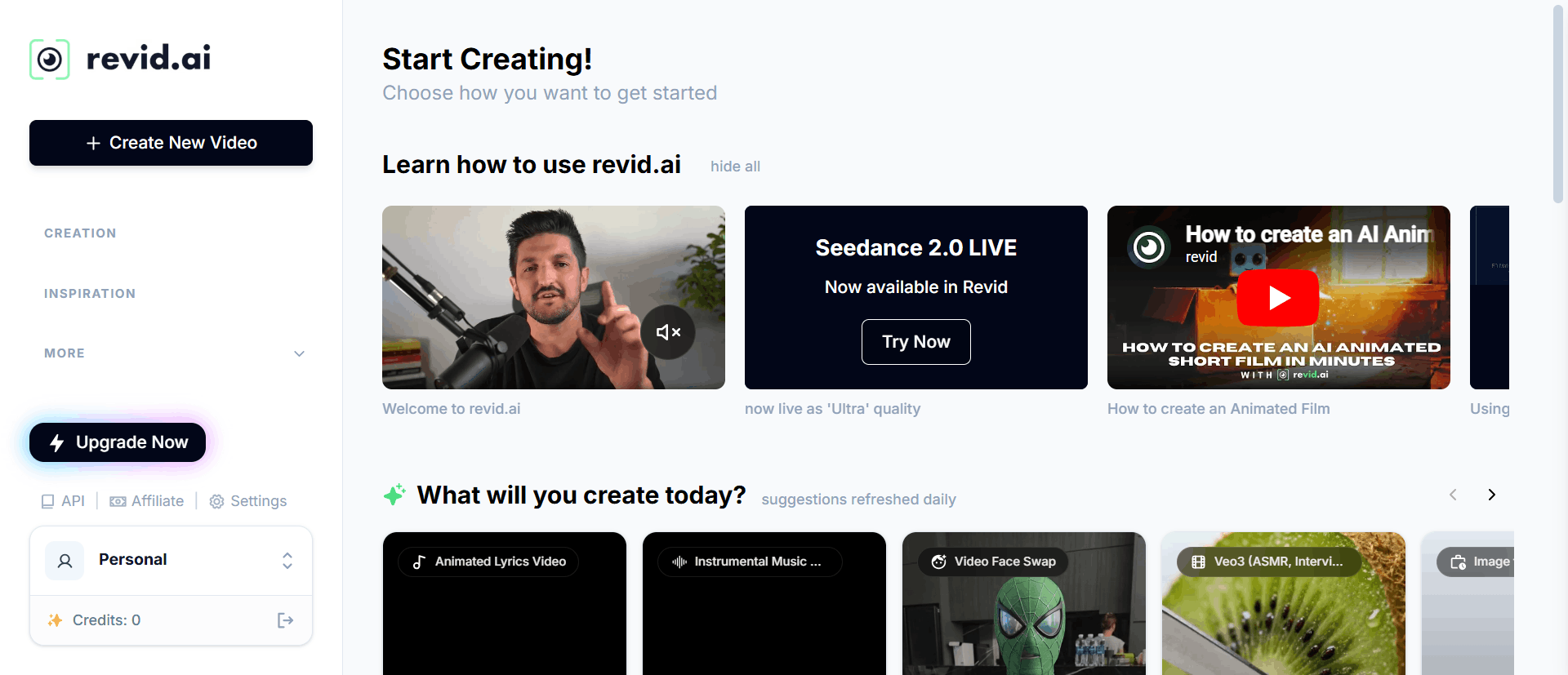
Revid AI is built for the "YouTube Automation" and "Faceless Brand" era. It specializes in Script-to-Video scaling, where the user provides a link or a topic, and the AI generates a trending-style video complete with a realistic AI avatar, voiceover, and "viral-style" captions. It includes a massive database of 3M+ viral video templates that you can "remix" with your own brand voice.
In our testing, Revid’s "Auto-Mode Workers" were the standout feature, allowing you to set up a pipeline that automatically generates and posts niche content to your social accounts while you sleep.
Revid AI Pricing and Use Cases
Revid does not typically offer a free plan, with the Hobby Plan starting at $32/month and the Growth Plan (best for scaling) at $39/month. It is specifically designed for Affiliate Marketers and Niche Channel Owners who care more about volume and "virality" than cinematic artistry.
Pros: Best-in-class for "faceless" content automation; unique "Auto-Mode" for hands-off posting; access to a library of high-performing viral templates.
Cons: No free entry point; the "template" look can become recognizable if not customized; customer support response times can be slower than the bigger platforms.
This infographic highlights five proven benefits of AI video tools that actually work, helping you boost efficiency, quality, and creativity.
Did You Know?
Time and budget savings up to 80% when using AI video tools fall in line with efficiency promises, which is why streamlining repetitive editing tasks is often the fastest win.
7. FireCut: The Native Powerhouse for Pro Editors
FireCut AI is a sophisticated AI plugin that lives directly inside Adobe Premiere Pro and DaVinci Resolve. It is designed for editors who love their professional software but hate the "grunt work." Instead of forcing you to upload your files to a new website, FireCut automates the tedious parts of the timeline: it cuts out silences, removes filler words like "um" and "uh," adds smart zooms based on facial detection, and generates stylish, animated captions in 50+ languages.
In our 2026 testing, FireCut’s "Multi-Track Suite" was a standout. It can automatically switch camera angles for a multi-cam podcast based on who is speaking, saving hours of manual clicking.
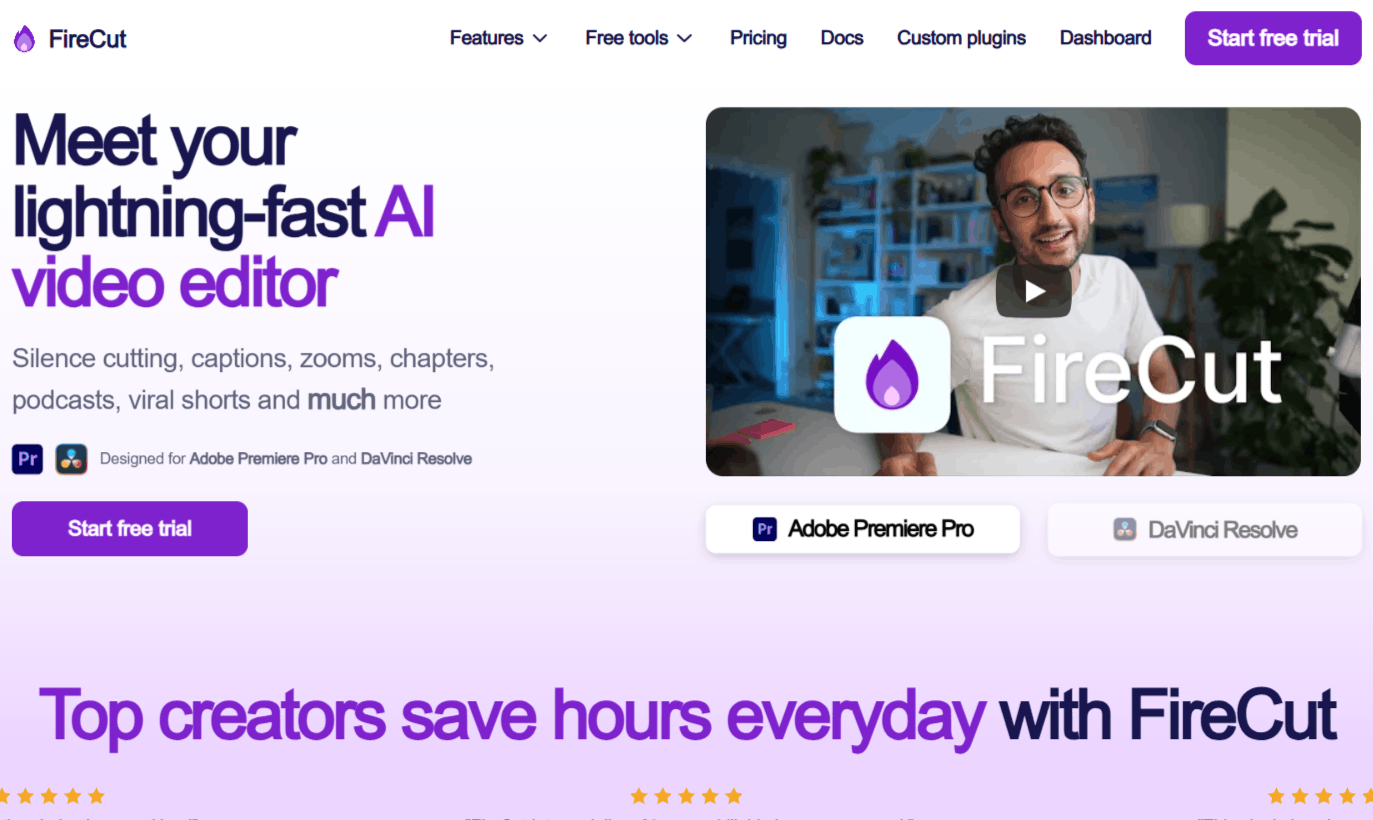
FireCut Pricing and Use Cases
FireCut offers a Starter tier at $10/month, which covers basic silence cutting and J-cuts. The Pro plan ($19/month) is where the real value lies, unlocking chapter detection for YouTube SEO, AI-generated B-roll, and podcast automation.
It is the best choice for professional YouTubers, agency editors, and podcasters who need granular control but want to finish their "rough cut" in 5 minutes instead of 2 hours.
Pros: Native integration with Premiere and Resolve; industry-leading multi-cam switching; highly accurate silence and filler removal.
Cons: Not a standalone tool (requires host software); can be overwhelming for beginners who aren't familiar with professional timelines.
8. Wisecut: The "Hands-Off" Social Media Hub
Wisecut is a web-based automatic video editor that specializes in "jump-cut" style storytelling. It is famous for its "Social Hub," which doesn't just edit your videos but also schedules them to TikTok, Instagram, and YouTube. Its AI identifies the "hooks" in your talking-head videos, trims the "dead air," and layers in background music that automatically adjusts its volume when you speak (auto-ducking).
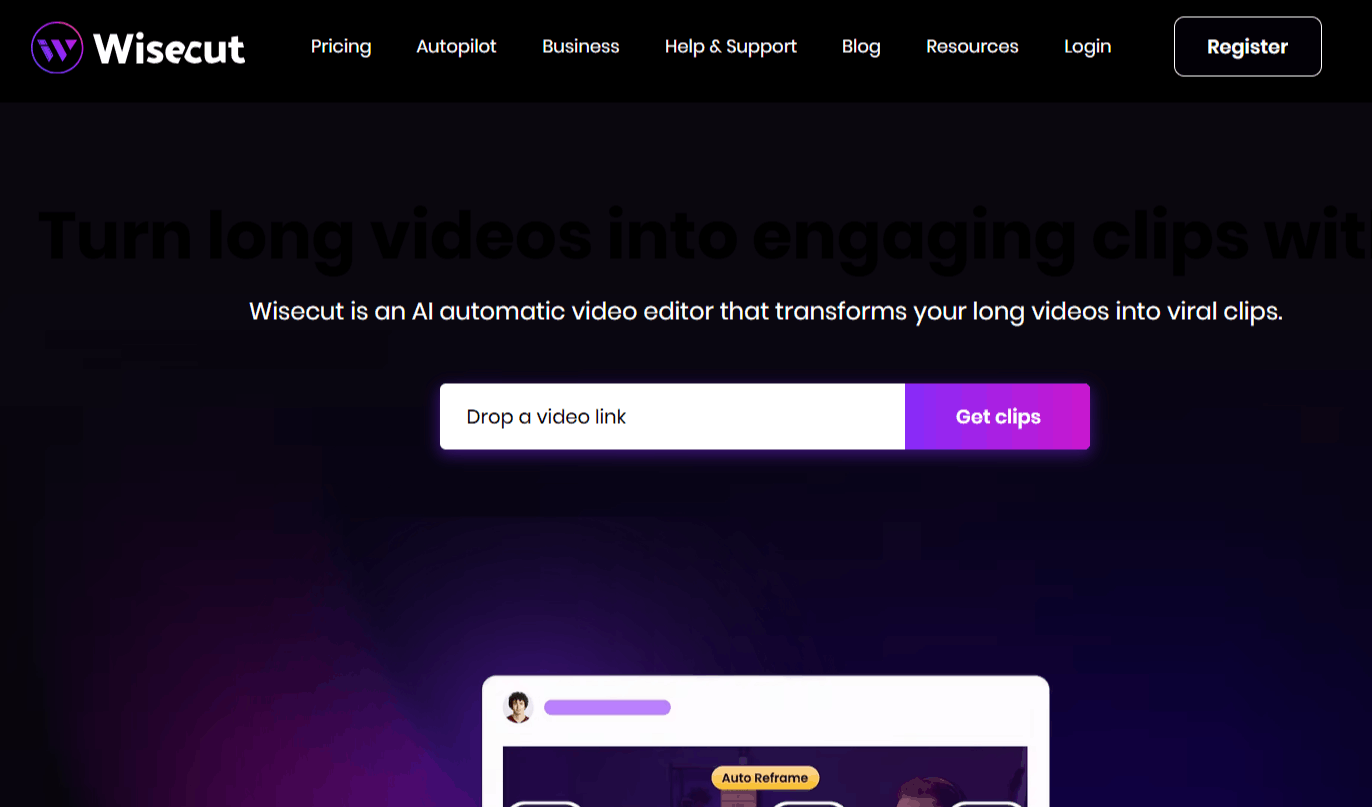
Wisecut Pricing and Use Cases
Wisecut offers a Free plan for short projects, while the Starter+ plan ($29/month) supports 480 minutes of 1080p footage. For high-end creators, the Professional+ plan ($119/month) allows for 1,800 minutes of 4K content and advanced comment automation.
It’s the ideal tool for solo vloggers and online educators who record long tutorials and need a polished, captioned social media clip ready for the algorithm with zero manual effort.
Pros: Seamless background music integration; automated social media posting/scheduling; very low learning curve.
Cons: Limited creative control over specific transitions; 4K editing is restricted to the highest price tiers; "Social Hub" features require account linking.
9. FlexClip: The All-in-One AI Studio and Creator Hub
FlexClip is a browser-based, all-in-one video creation and editing platform that functions much like a "Canva for video." It has evolved to include a heavy suite of AI tools, integrating high-fidelity models like Google Veo 3 and Kling. Whether you need to generate a video from a script or URL, create a presentation, or use text-based editing on your transcript, FlexClip keeps everything inside your browser without requiring hefty desktop software.
FlexClip’s Auto Edit and AI Recreate tools are highly regarded. They allow users to drop in raw footage and automatically match it to polished, professional templates with just a single click, taking the guesswork out of scene transitions and typography.
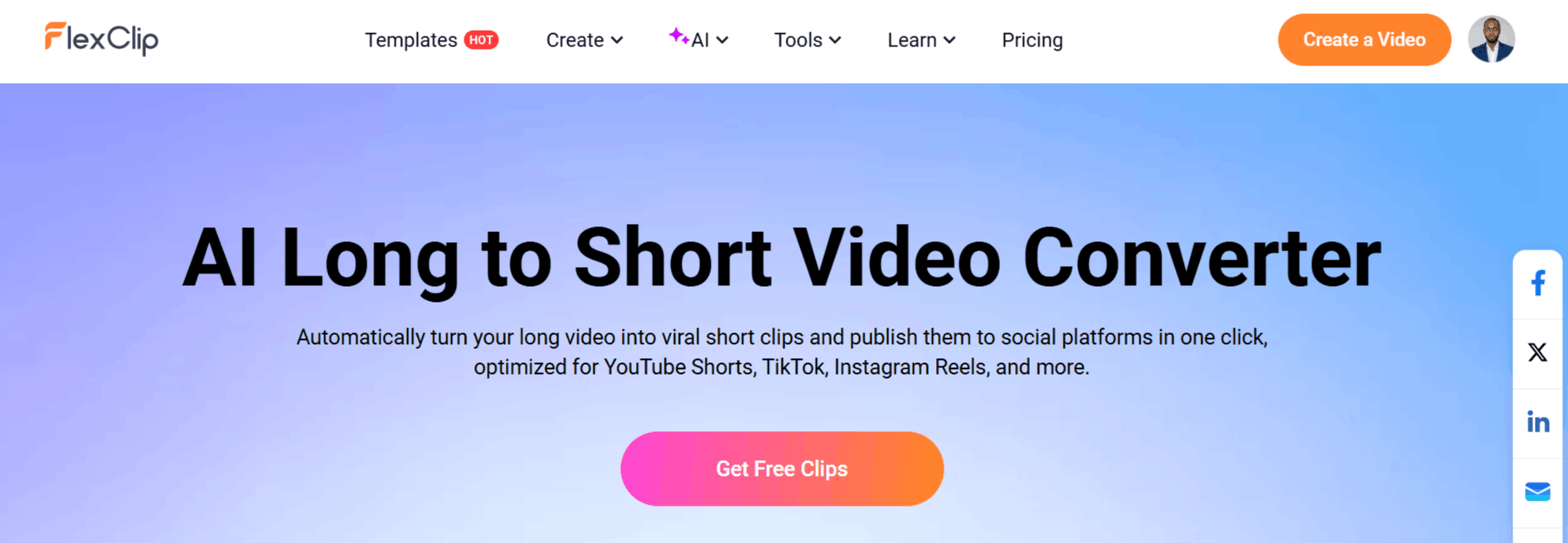
FlexClip Pricing and Use Cases
FlexClip features a Free Tier with limited export quality (720p) and watermarks. The Plus Plan starts around $19/month, which unlocks full 1080p/4K exports, increased AI credits, and unlimited access to over 5 million stock assets.
It is the go-to tool for digital marketers, educators, and small business owners who want to produce social media ads, video presentations, and promotional content fast.
Pros: Incredible library of 5,000+ templates and royalty-free media; very intuitive drag-and-drop web interface; features a wide array of AI capabilities under one roof.
Cons: Cloud-only rendering requires a stable internet connection; the free tier is heavily restricted; processing large 4K files can occasionally lag on older browsers.
10. Veed: The All-in-One Online Video Suite
Veed is a comprehensive, browser-based video creation and editing platform that acts like a complete post-production studio in the cloud. It is designed to scale with your content, featuring a built-in screen recorder, teleprompter, and an AI generation engine that integrates with frontier models like OpenAI’s Sora 2 and Google’s Veo 3.1.
Veed stands out due to its AI-driven "intelligent" editing suite. Features like eye-contact correction, background noise removal, and auto-translations for over 100 languages let creators produce polished, broadcast-quality materials with minimal effort. You can go from a simple text prompt to a fully generated video with realistic AI avatars or voices without ever opening desktop software.
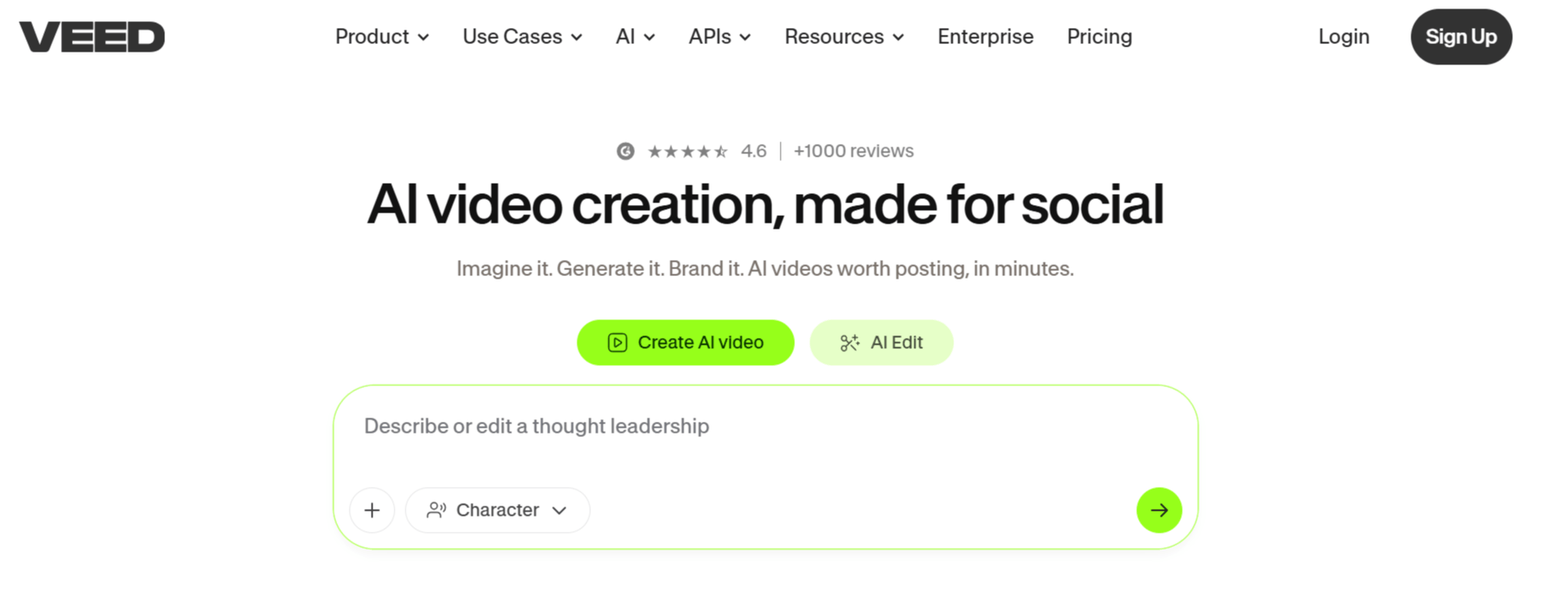
Veed Pricing and Use Cases
Veed offers a basic free version with limited features and a watermark. The Pro Plan typically starts at $44/month and unlocks the full suite of AI tools (such as voice cloning and AI avatars), 4K export quality, and full translation tools.
It is the ideal choice for marketing teams, corporate communicators, and solo creators who want a professional-grade workspace without dealing with the high learning curve of applications like Premiere or DaVinci.
Pros: Wide array of AI generation and editing features (eye contact, background removal, avatars) in one place; highly accurate auto-subtitling; cloud-based team collaboration.
Cons: Advanced models burn through credits quickly; free version is heavily watermarked; exporting large files in 4K can be slow if your internet connection is unstable.
11. Vizard AI: The Transcript-Driven Productivity Hub
Vizard AI is a professional-grade repurposing platform that treats video like a text document. Its core strength is Text-Based Editing: the AI transcribes your video, and you can edit the footage simply by deleting or rearranging sentences in the transcript. For teams that find traditional timelines intimidating, Vizard offers the most intuitive bridge between "writing" and "editing."
In 2026, Vizard doubled down on Multi-Language Social Growth, offering one-click translation and subtitle styling that mimics high-retention creators like Alex Hormozi. It’s particularly effective for taking a single English webinar and splitting it into 10 localized TikToks for different global markets.
Vizard AI Pricing and Use Cases
Vizard offers a functional Free Tier, while the Creator Plan starts at $29/month. This plan is popular among Marketing Managers and HR Departments who need to turn internal meetings or company announcements into engaging, subtitled clips for LinkedIn or Slack.
Pros: Editing by transcript is incredibly fast for non-editors; excellent multilingual support; clean, intuitive UI.
Cons: The AI rendering can be slow during peak hours; limited "generative" features (it needs your footage to work); restricted customization for complex motion graphics.
12. Kapwing AI: The Collaborative Creative Studio
Kapwing AI is the "Google Docs" of video editing. It is a powerful, browser-based suite that now integrates directly with frontier models like OpenAI’s Sora 2 and Google’s Veo 3.1. Unlike specialized tools, Kapwing is a generalist’s dream; it handles everything from AI script-to-video generation to "Smart Cut" (silence removal) and even AI image generation for thumbnails.
Its 2026 update, "Kai" (the Kapwing AI Assistant), allows you to give chat commands like "Add a cinematic blue filter and center the speaker," making it a true AI co-pilot for creative teams.
Kapwing AI Pricing and Use Cases
The Pro Plan typically sits at $16–$20/month. It is the gold standard for Social Media Teams and Agencies that need to collaborate in real-time. Because it is cloud-based, multiple team members can edit the same project simultaneously, which is a rare feature in the AI space.
Pros: Huge variety of AI models (Kling, Veo, etc.) under one roof; real-time team collaboration; massive library of templates.
Cons: Can feel "glitchy" on older browsers due to high processing needs; credit-based AI usage can get expensive if you do a lot of retakes.
Understanding AI Video Tools Hype Vs Reality In Faceless Content
Faceless video styles are often marketed as a “Set and forget” solution. In reality, you still need to review scripts, choose fitting templates, and align voice and style with your brand.
So when we look at AI video tools’ pros and cons here, we would highlight true automation on the plus side and creativity limits on the downside. Used thoughtfully, these tools are part of the best AI video tools that actually work for standardized content.
Did You Know?
Over 75% of video marketers employ AI tools in their workflows, which means your competition is likely already benefiting from time savings and scale advantages.
Overrated AI Video Tools And Red Flags To Avoid
When we evaluate platforms, we often see overrated AI video tools that promote “One-click professional videos” but show no real examples or clear feature breakdowns. These tools often disappoint once you try to use them for real campaigns.
Some patterns that signal AI video tools to avoid include non-transparent pricing, vague claims, and no way to test the core features. Another red flag is when a tool tries to do everything but lacks depth in any one function.
Beware of tools that hide export quality, watermark rules, or usage limits.
Be cautious if you cannot see example videos tagged clearly as created with the platform.
Our approach is to focus on tools with a clear core benefit, like clipping, text-to-video, or captions, and then verify that feature in practice. This helps you filter the hype and focus on AI video makers worth using.
Common Problems With AI Video Tools And How To Handle Them
Across tools, we observe recurring common problems with AI video tools that are useful to understand before you adopt them. These include incorrect or poorly timed captions, mismatched stock footage, and difficulty handling accents or noisy audio.
Another practical issue is export reliability and platform-specific formatting. Some tools may not support the exact resolution, aspect ratio, or codec you need for a particular channel.
Tip: Always run a small pilot with each tool to test your typical workflow before rolling it out to your full content calendar.
Recognizing these AI video tools' limitations upfront lets you build a realistic process.
You can plan a human review and minor manual polish around the AI output rather than expecting perfection from automated steps.
Are AI Video Tools Worth It? How To Decide on Your Use Case
The question “Are AI video tools worth it?” depends on your volume, your budget, and how much creative control you need. If you produce a lot of recurring content formats, AI typically produces strong efficiency gains.
On the other hand, if you only create a few highly polished brand videos each year, a traditional production process might still be your primary approach, with AI as a supporting tool for drafts or social cut-downs.
High-volume social content: AI tools are usually very worth it.
Occasional brand films: AI is helpful for ideation, clips, and variants, not as the sole solution.
We recommend mapping each workflow, then testing 1 or 2 tools that fit those steps. That way, you leverage the best AI video tools that actually work without overcommitting to platforms that do not match your needs.
Conclusion
There are many AI video tools, but there is a clear set of AI video tools worth using that repeatedly deliver results. Tools like BigMotion, VideoExpress AI, Invideo AI, Pictory AI, Quso AI, FireCut, Wisecut, Cutlabs, EditAir, Vizard AI, Kapwing AI, and Revid AI each solve specific problems around text-to-video, clipping, or automation.
At the same time, you should stay aware of AI video tools limitations, overrated AI video tools, and the gap between AI video tools hype vs reality. By testing carefully and focusing on concrete use cases, you can answer for your own team, “Are AI video tools worth it?”, and build a practical stack of the best AI video makers that actually work in everyday production.
Frequently Asked Questions
Let’s address the most common concerns regarding tool reliability, costs, and practical limitations
Which AI video tools are worth using today?
Tools like BigMotion, Pictory AI, Quso AI, FireCut, and Wisecut consistently deliver reliable editing, clipping, and automation features.
Are AI video tools worth it for small teams?
Yes, especially if you repurpose long-form content or make frequent social clips, since AI can cut production time by over 50% and reduce manual editing.
What are common problems with AI video tools?
Quality inconsistency, limited control over fine edits, confusing pricing tiers, and tools that overpromise “One-click” results are frequent issues.
How do we avoid overrated AI video tools?
Look for clear feature descriptions, real examples, and transparent pricing. It is also helpful to compare tools across curated categories rather than relying on advertisements alone.
Can AI handle full video production alone?
Not yet in most cases. While AI assists with scripting, clipping, captions, and text-to-video, human judgment is still required for structure, brand voice, and quality control.
What is the honest AI video tools review overall?
AI video tools are powerful assistants, not experts. They are ideal for achieving speed and scale, but they come with limitations regarding nuance, style, and complex storytelling.

Lahaga Aondowase
I'm passionate about empowering creators through the power of AI. As the founder of AI Video Tools Pro, I aim to banish the time-wasting struggle of finding the perfect AI video tools for your content creation.
Related Articles
View All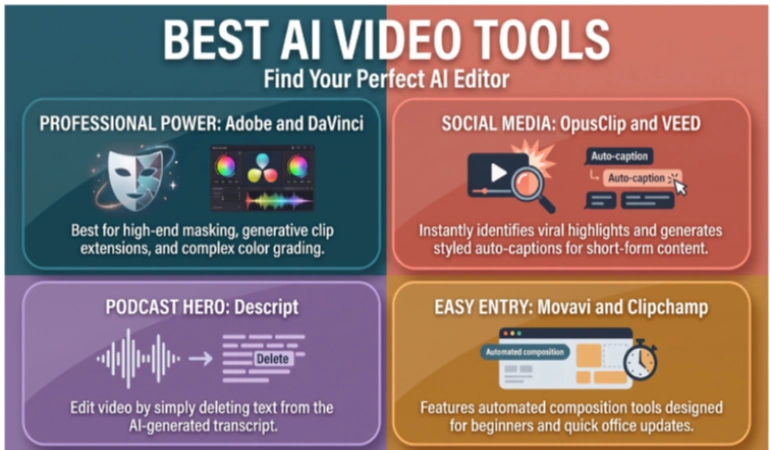


User Comments (0)

