Best AI Video Editors in 2026: 10 AI Video Editing Tools for Creators
AI video editors use artificial intelligence to automate tasks such as caption generation, noise removal, reframing, scene detection, object removal, and clip selection. Whether you are a YouTuber, marketer, educator, or social media creator, the right AI video editing software can significantly reduce editing time and simplify repetitive tasks. Some of the tools in this guide also include generative AI features. However, their primary purpose is to help creators edit existing footage rather than generate entire videos from scratch. These AI tools assist with tasks such as extending clips, removing objects, improving audio, and speeding up the editing process.
June 29, 2026 13:00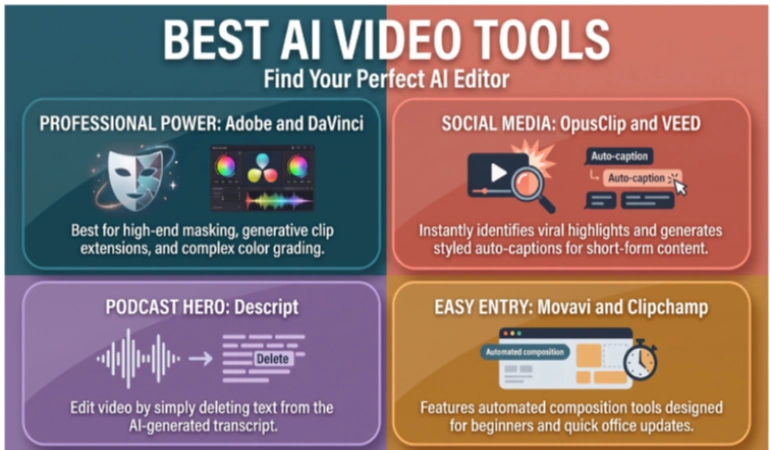
Best AI Video Editors at a Glance
The table below compares the best AI video editing software based on their ideal use cases, availability of free plans, and standout AI features to help creators choose the right tool for their workflow.
Best AI Video Editing Software 2026
The best AI video editing software depends on your workflow and choice. The tools below offer different AI features, from automatic captions and speech editing to object removal and clip generation. This list discusses their strengths, limitations, and ideal use cases to help you choose the right AI video editor for your needs. If you want to know the difference between AI video editors and AI video generators, this guide will help you.
1. Adobe Premiere
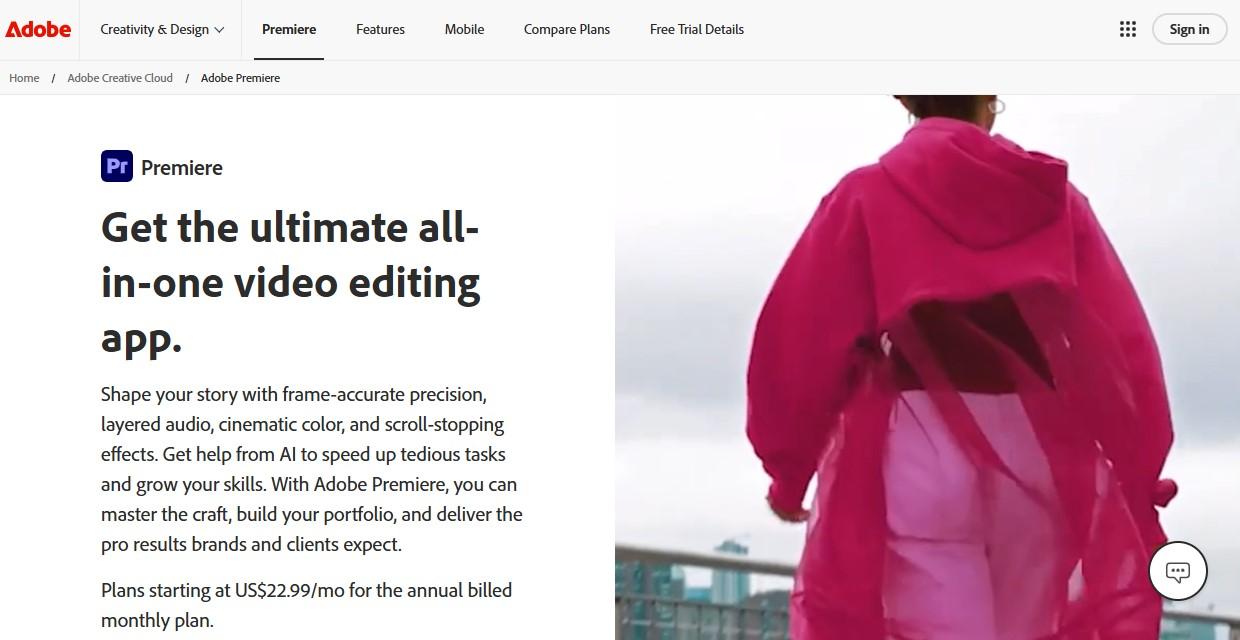
The AI technology used by Adobe in its product can fix timeline problems that frequently occur after the first edit. The Auto Reframe tool makes a sequence copy to make it vertical, square, or widescreen and tracks the main action in each clip. Generative Extend solves the issue if the reaction occurs prematurely or the transition is too abrupt.
While the generated extension will fix the problem of timing, there may be cases when the motion, lighting, or audio shifts too drastically in the clip, which should be treated like any other editing.
Premiere requires a subscription, a powerful PC, and time for learning the project creation process. It is better suited for projects that include layered timelines, captions, audio editing, Adobe Stock elements, or handoffs from Adobe programs.
2. DaVinci Resolve
DaVinci Resolve uses AI within areas that tend to make the color correction process, sound mixing, and finishing slower. DaVinci Neural Engine is responsible for such features as Magic Mask, IntelliTrack AI, Smart Reframe, voice isolation, object isolation, and UltraNR noise reduction in Studio.
The technology used by Resolve can detect faces, track moving objects, isolate parts of an image, or even lower the level of noise in footage. However, it does not grade your videos as well. You will still be the person who makes decisions about the look of the image – the contrast, the right tone of skin, color balance, and shot matching.
Unlike other editors on this list, DaVinci Resolve requires more time to master, as there is a separate workflow for such elements as edit, color, Fusion, and Fairlight. As a reward, it can do everything in one desktop application.
3. Descript
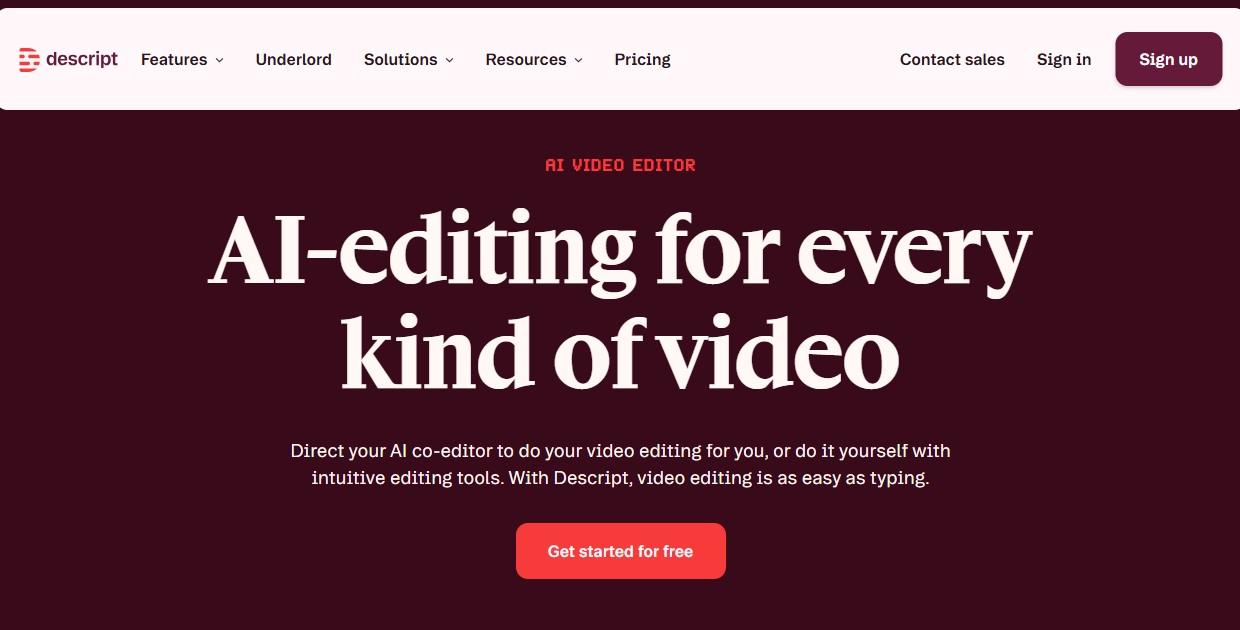
Descript edits video by editing the transcript. Afterwards, you will have the ability to remove a sentence, change a pause, or move a section by editing the text. This will be faster for interviews, podcasts, webinars, and narrated lessons, compared to looking at a timeline.
Its AI voice tools can patch short audio mistakes when the speaker has a verified voice model. That can help with a misread word, a missed phrase, or a small correction after recording.
Subtitling and speech clean-up, such as removing filler words, and studio sound editing are also included in Descript’s functions, mainly for speech-led videos. Video production with intricate color grading, multi-camera timing, graphic design, and visual effects will require a traditional editor along with it.
4. Movavi Video Editor
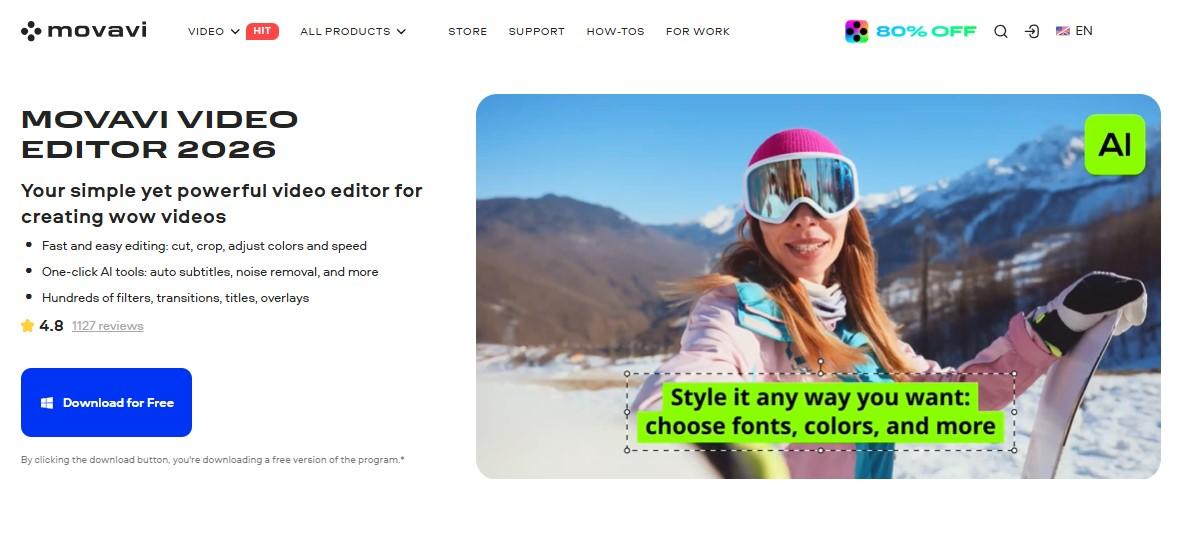
Movavi Video Editor introduces AI to the stages that tend to delay beginners. The editor integrates these features into close proximity to usual timeline actions, which means that the first video will not be an exercise in searching among advanced settings.
Automatic subtitles create timed subtitles based on speech from clips, which may be viewed without sound. Noise reduction comes in handy when there is some noise interference with the voiceover. Motion tracking allows placing text, stickers, or annotations on a moving object without having to manually place them.
The general approach is to provide novice users with easy-to-use video editing options that allow creating amazing videos, while more experienced editors will probably reach the limits of this product.
5. VEED.io
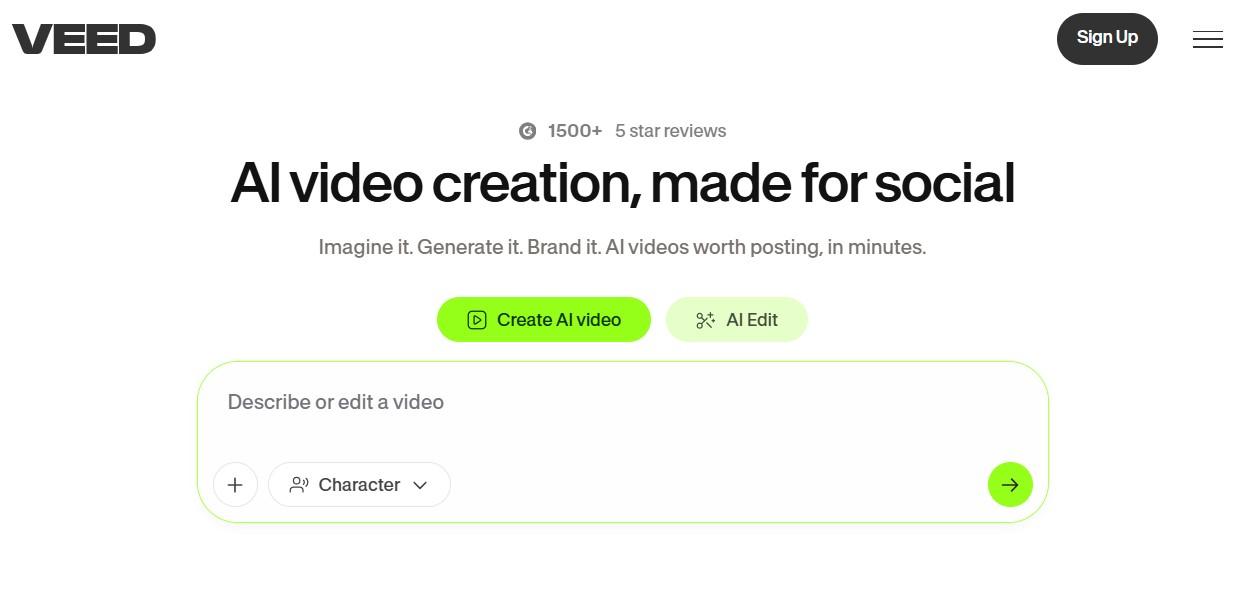
VEED is an online editor for caption-rich social video clips, tutorials, and explanations. With the service, you can upload a clip, create subtitles, edit the transcription, style the captions, and export the file in several platforms' versions.
Its silence trimming and short-form cutting tools cover the video editor with an auto-cut use case more directly than a standard trim tool. These can reduce the duration of speech clips, cut out dead space, and tighten up the recording.
Automated cuts require manual checking. A pause in speech can be a part of the way a speaker presents themselves, while an entire sentence may be stripped of context through excessive editing. There is also uploading and exporting to consider due to it being an online service.
6. Flixier
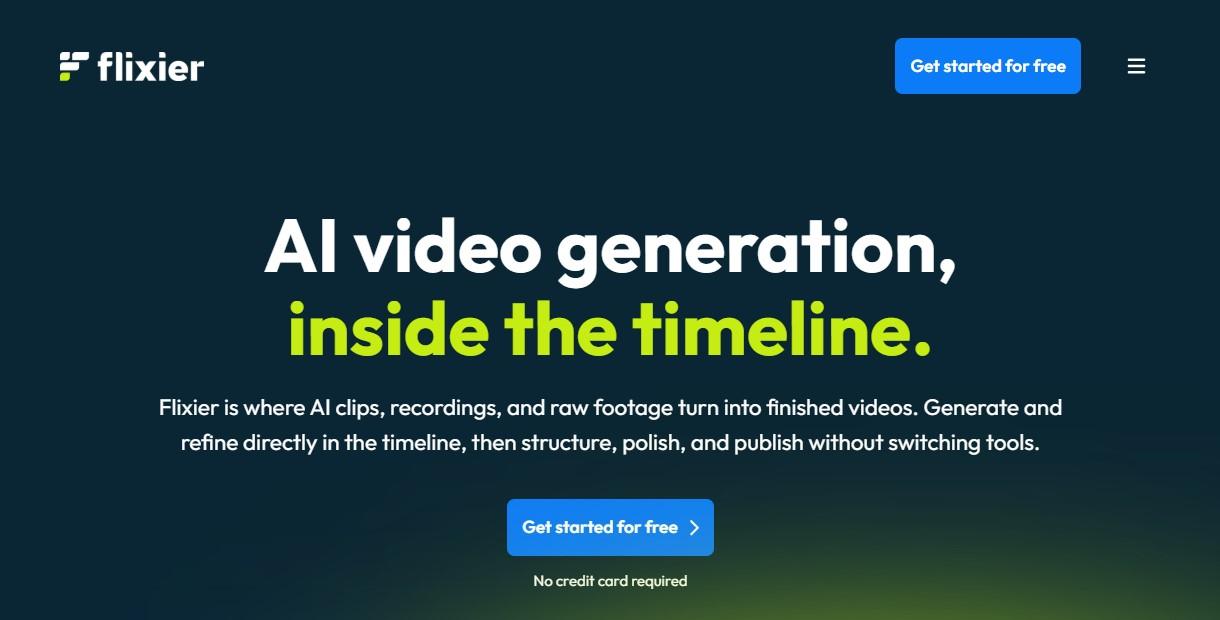
Another browser editor that offers cloud processing. Flixier is useful in cases when your editing can be done in a more flexible way on different devices compared to the local project file. It has AI-powered subtitle tools and translation with timing adjustment.
As with any browser-based option, a single orientation issue, like rotate a video online, may only need a separate quick tool. Since processing happens online, it can be useful on a laptop that would struggle with heavier desktop software.
As far as the files need to go through the browser, the speed of your internet connection plays a role in editing.
7. Microsoft Clipchamp
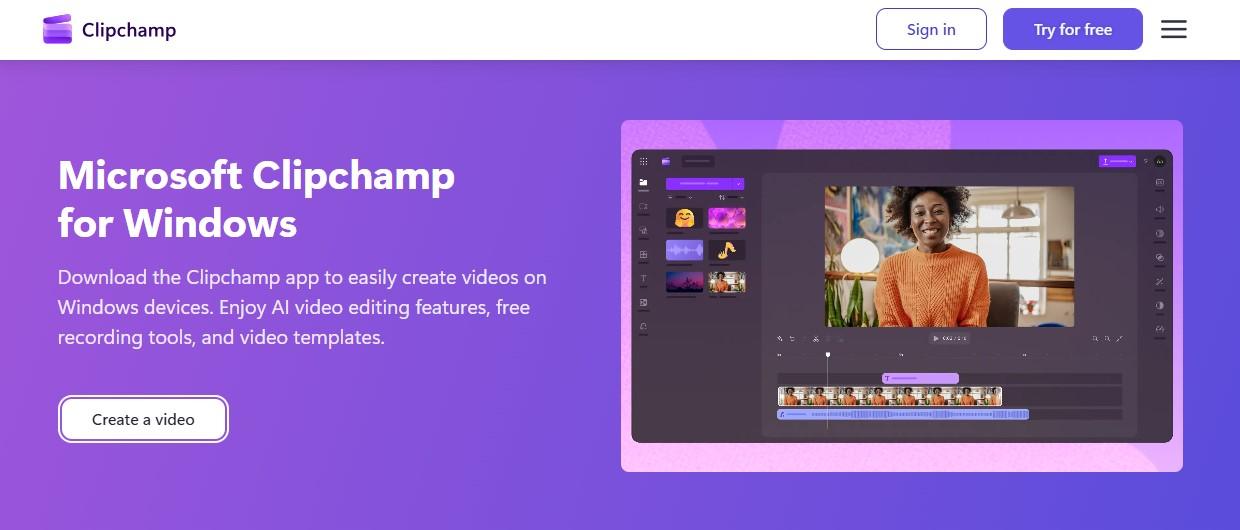
Clipchamp is already there for a lot of Windows users, which means that it is convenient to use when fast editing is needed. AI tools include auto-compose, captions, text-to-speech, silence elimination, and background noise elimination.
Auto compose is able to create an initial rough version using the selected media for school videos, brief office updates, family videos, and simple social media posts. It will still require manual editing for cuts, titles, and music volume adjustment.
Clipchamp starts being restrictive in the case of color correction, audio layering, and any other complex visual effects. For quick editing and minor edits, it is convenient and readily available on Windows, including adding OneDrive files.
8. Kdenlive
Kdenlive can do speech recognition for subtitles and denoising. The process is a bit more manual compared to the paid software, as there are certain requirements related to using some of the features.
Technical setup will be of interest to those who favor the use of open-source software. Kdenlive provides a comprehensive timeline, effects, and tools, which were developed for Linux, Windows, and macOS.
The automatic subtitles and denoising depend on language availability, original audio quality, and the transcription model used. Kdenlive takes a lot of setup time, but it provides an alternative way out for editors who don’t like subscriptions.
9. OpusClip
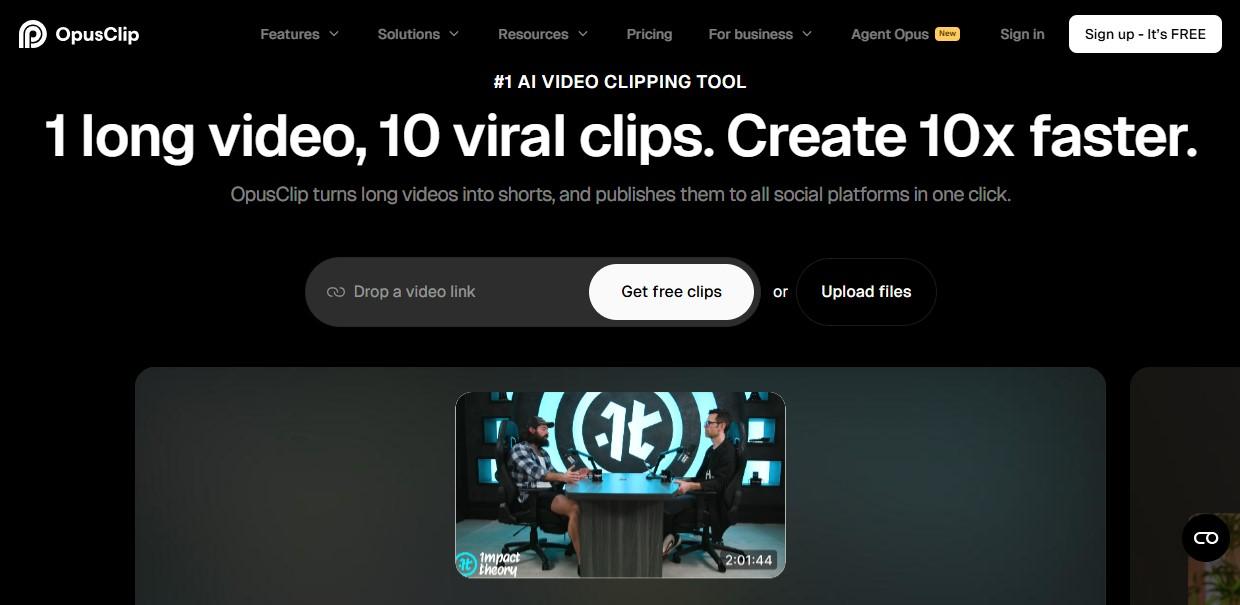
OpusClip takes lengthy videos and creates shorter clips suitable for social media sites. It examines a podcast, webinar, interview, live stream, or educational video and selects sections that may be turned into vertical posts.
Automatic video editing here refers to identifying potential clips. OpusClip is capable of selecting clips and preparing vertical videos for export and captions, but the user will have to verify context, clean up awkward openings, tweak the text, and ensure that the clip works.
Though the app struggles with storytelling, continuity, color grading, sound design, and pacing. It is useful in rapidly identifying potential short clips within a recording that has enough content to work with.
10. Runway
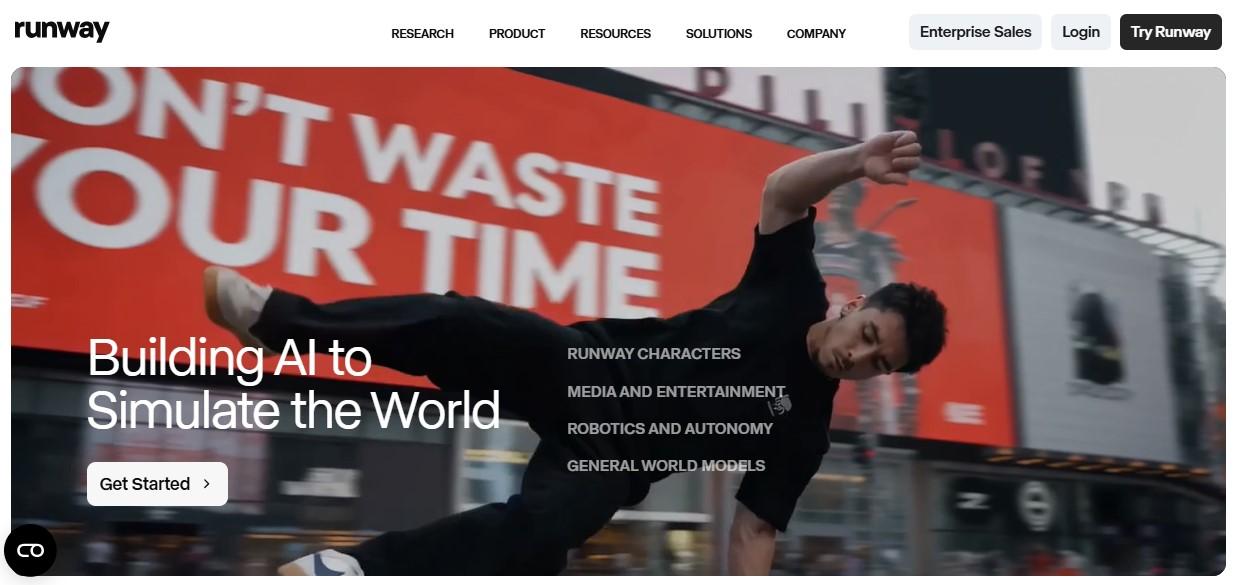
The editing capabilities of Runway are provided by features such as Remove Background, Inpainting, masking, and object removal. Such functions can be used to edit the footage or modify specific areas within the frame.
It can be used to remove any distracting elements, separate an individual from the background, and mask any part of the frame. Such tasks normally take some time in compositing applications, especially when the camera moves or an object passes across an animated background.
Careful evaluation of the outputs of Runway is important. Edges, textures, and motion may vary between frames; hence, it is better to conduct short tests rather than directly apply any processing to the whole sequence.
ConClusion
The best AI video editor depends on your workflow. Adobe Premiere Pro and DaVinci Resolve are ideal for professional editing; Descript excels for spoken content; VEED and OpusClip simplify social media creation, while Runway offers advanced AI-powered effects. Choosing the right tool depends on your experience level, content type, and editing goals. If you need a bunch of AI video editing tools, we have a whole video editing tools category here. Also, we have put together this guide that can help you get the best AI video generators for long-form content.
Frequently Asked Questions About AI Video Editors
AI video editing software can save time by automating tasks such as caption generation, speech transcription, clip selection, background removal, and reframing. The following questions cover some of the most common concerns creators have when choosing an AI video editor.
What is the best AI video editor?
The best AI video editor depends on your workflow and experience level. Adobe Premiere Pro and DaVinci Resolve are widely used by professional editors, while Descript is popular for podcasts and talking-head videos. VEED and OpusClip are commonly used for social media content and short-form videos.
Which AI video editor is free?
Several AI video editors offer free plans or free versions. DaVinci Resolve provides a feature-rich free version, while Clipchamp, Kdenlive, VEED, Descript, and Flixier offer free plans with certain limitations. Some advanced AI features may require a paid subscription.
Which AI video editor is best for YouTube creators?
YouTube creators often choose Adobe Premiere Pro for advanced editing, Descript for spoken content and podcasts, and OpusClip for creating Shorts from long-form videos. The best option depends on the type of content you publish.
Can AI edit videos automatically?
AI can automate tasks such as creating captions, removing silence, selecting highlights, generating rough cuts, and reframing videos for different platforms. However, manual editing is still important for pacing, storytelling, visual style, and final quality control.
What AI features are most useful in video editing?
The most practical AI features include automatic captions, speech-to-text transcription, noise reduction, background removal, object tracking, silence detection, scene detection, and automatic reframing for social media formats.
Which AI video editor is best for beginners?
Movavi Video Editor, Clipchamp, and VEED are often easier for beginners because they offer simple interfaces and built-in AI tools that reduce manual editing work.
Which AI video editor is best for short-form content?
OpusClip specializes in turning long videos into shorter clips for social media platforms. VEED and Clipchamp also provide tools for vertical videos, captions, and social media exports.
Do AI video editors work offline?
Some AI video editors can be used offline, while others require an internet connection. Desktop applications such as Adobe Premiere Pro, DaVinci Resolve, Movavi Video Editor, and Kdenlive allow most editing tasks to be performed locally on your computer.
However, certain AI features may require cloud processing or an internet connection. Browser-based editors such as VEED and Flixier require an internet connection because editing and processing occur online.
Can AI generate subtitles automatically?
Yes. Many AI video editors can automatically generate subtitles from speech. Descript, VEED, Clipchamp, Movavi Video Editor, Flixier, and Kdenlive all offer subtitle generation capabilities.
Are AI video editors suitable for professional work?
Yes. Professional editors increasingly use AI tools to speed up repetitive tasks such as masking, transcription, noise reduction, and object removal. Applications like Adobe Premiere Pro and DaVinci Resolve integrate AI features while still providing full manual control over the final edit.

Lahaga Aondowase
I'm passionate about empowering creators through the power of AI. As the founder of AI Video Tools Pro, I aim to banish the time-wasting struggle of finding the perfect AI video tools for your content creation.
Related Articles
View All

User Comments (0)

