Higgsfield AI Alternative: How to Create Videos with Pollo AI
Creating an AI video often involves more than generating a clip from a prompt. You may need product images, multiple scenes, narration, advertising visuals, and a consistent look across every asset. For creators and marketers comparing the best Higgsfield AI alternatives, the challenge is finding a workflow that handles these tasks without adding unnecessary complexity. This guide explores how to use Pollo AI for video projects, how it compares with Higgsfield AI, and what to check before choosing either platform.
What Makes Pollo AI Worth Considering as a Higgsfield Alternative?
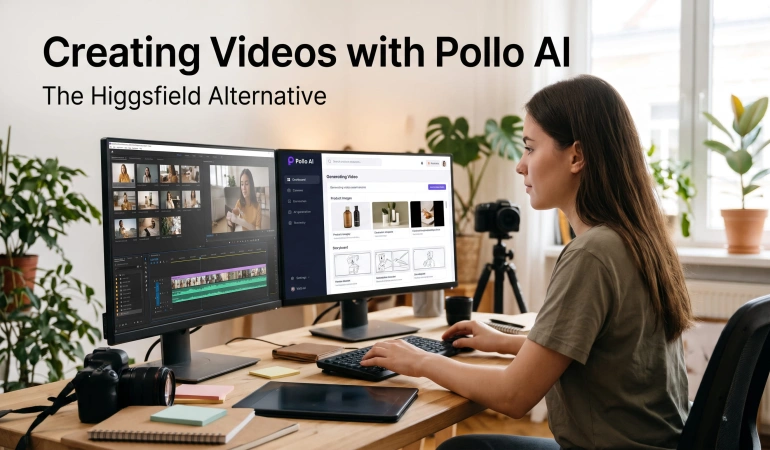
Pollo AI is an AI creative platform that supports video generation, image creation, image editing, and other content production tasks. Instead of relying on a single text-to-video workflow, creators can choose different approaches depending on what they want to produce.
For example, a creator developing a product campaign might need to prepare a reference image, generate a video, and create additional visuals for social media. A more automated workflow may help coordinate these tasks, while a scene-based approach may be better when the camera movement and visual sequence require closer attention.
Some of the main workflows worth exploring include:
Pollo Agent: An agent-based workflow that can work from briefs, scripts, images, links, and other supported inputs to coordinate creative production.
Marketing Studio: A collection of workflows for product visuals, e-commerce imagery, promotional videos, and UGC-style ads.
Image and video generation: Tools for creating or transforming visual assets using different available models.
AI photo editing: Image editing for adjusting backgrounds, removing distractions, and preparing visuals before video generation.
Avatar and voice tools: Options for projects that need a presenter, spoken narration, or character-based content.
These features are useful for different reasons. Automated production can reduce the amount of manual coordination required, while image editing and more directed video workflows provide additional ways to refine individual assets.
Prepare Product Images Before Generating a Video
A product video often starts with a photograph rather than a finished video clip. The quality and composition of that image can influence how well the generated video represents the product.
Imagine an online store preparing an advertisement for a skincare bottle. The original photograph has a cluttered background, uneven lighting, and distracting objects around the product. Generating a video directly from that image may preserve some of those problems or introduce additional visual inconsistencies.
A more useful approach is to prepare the image first.
How to prepare a product image
Check the original image. Look at the product's shape, label, colors, shadows, and background. Identify which details must remain recognizable.
Make targeted edits. Remove distracting objects, adjust the background, or improve lighting where necessary.
Keep the product accurate. Review any AI-generated edits carefully, especially if the image contains packaging, logos, or text.
Choose the intended shot. Decide whether the video needs a close-up, a slow camera push, a lifestyle scene, or a simple product reveal.
Save an approved reference. Keep the original image so you can compare it with the edited version and generated video.
Pollo AI photo editor can help with image preparation through text-prompt-based editing. Depending on the task, you can use it to adjust backgrounds, remove distractions, enhance product photographs, or explore alternative visual treatments.
For example, you could ask for a clean, neutral background and softer lighting while preserving the product's shape and packaging. The resulting image should still be checked for altered labels, unrealistic reflections, or other unwanted changes.
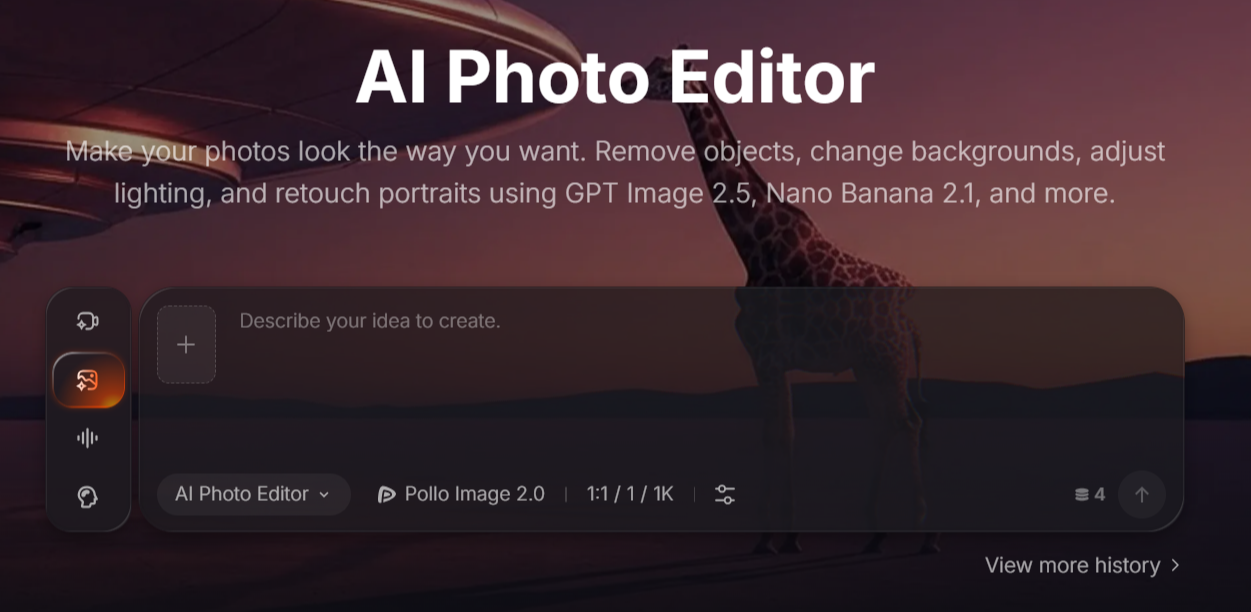
Preparing a reference is particularly useful when you plan to animate a still image. For more detail, see our guide on how to prepare an image-to-video reference for better camera moves.
Create a Complete Video with Pollo Agent
Pollo Agent is designed to coordinate multiple creative steps rather than simply generate a single image or clip. Depending on the workflow and supported inputs, it can work from a brief, script, image, or URL and organize the production process around the requested result.
This approach can be useful for marketers who know what they want to communicate but would rather not manage every production step separately.
Consider a skincare brand preparing a short product advertisement.
Step 1: Define the campaign brief
Before generating anything, establish the essential requirements:
Product: A skincare bottle with approved packaging and product information.
Audience: People interested in a simple skincare routine.
Main message: One verified product benefit.
Format: A vertical video for social media.
Visual direction: Clean backgrounds, soft lighting, and restrained camera movement.
Call to action: A short invitation to learn more about the product.
A clear brief gives the generation workflow a more useful starting point than a general instruction to create an attractive advertisement.
Step 2: Describe the intended video
A prompt for this example might read:
Create a short vertical skincare product video using the supplied product image as a visual reference. Begin with a close-up of the bottle on a clean bathroom counter, then transition to a simple lifestyle shot and finish with a clear product hero shot. Use soft natural lighting, subtle camera movement, and a minimal visual style. Preserve the bottle's shape, label, and colors. Do not invent product claims or add unsupported text.
The prompt describes the sequence, appearance, and details that matter to the campaign. The exact controls available will depend on the selected workflow.
Step 3: Generate and review the result
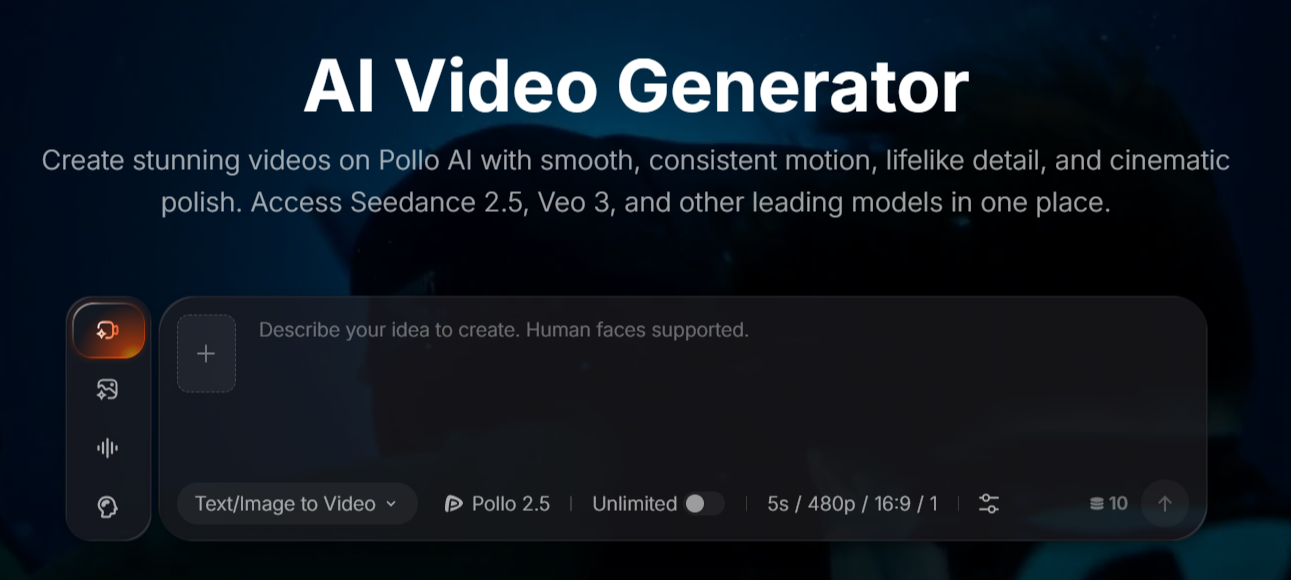
Use Pollo Agent to explore an automated production workflow. Once the result is available, review the video rather than assuming it is ready to publish.
Check whether:
The product remains recognizable across scenes.
The transitions make sense.
The visuals support the intended message.
Any generated text or narration is accurate.
The video follows the requested format.
If the output contains inconsistent packaging or awkward motion, try revising the brief, changing the reference image, or simplifying the scene.
Step 4: Prepare the final version
Review the opening, pacing, captions, narration, and call to action. If necessary, make final adjustments in a suitable video editor.
The benefit of an automated AI video workflow is that it can reduce the work involved in coordinating production. It does not remove the need for creative decisions, quality control, or editing in every case.
Create Product Ads with Pollo AI Marketing Studio
Marketing Studio focuses on advertising and e-commerce content. Its workflows cover tasks such as product images, listing visuals, product videos, and UGC-style advertising.
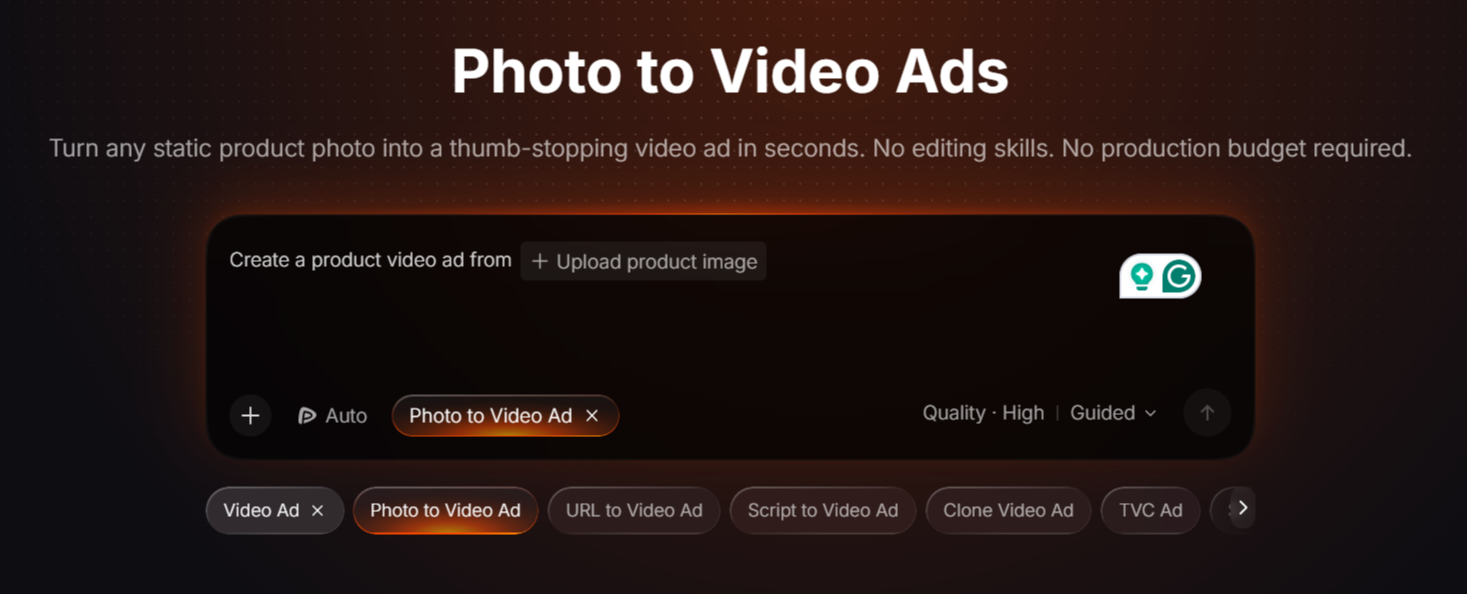
This can be useful when a business needs several related assets rather than one standalone video.
For example, a travel accessories brand introducing a new bag might need:
A clean product image for its online store.
A lifestyle visual showing the bag in use.
A short video highlighting its design.
A creator-style advertisement introducing the product.
Additional versions for different social media placements.
These assets serve different purposes. A product listing image needs to make the item easy to inspect, while a video ad may need a strong opening and a clear sequence of visual details.
Marketing Studio provides workflows designed around these kinds of tasks. The practical question is whether the resulting assets communicate the same product benefits and maintain a consistent appearance.
Adapt the creative for different audiences
A single campaign may need several versions of the same advertisement. One version might emphasize the product's appearance, while another focuses on convenience or a particular use case.
Rather than changing everything at once, identify the element that needs to change.
For example, you could test two openings:
A close-up that immediately shows the product.
A lifestyle scene that introduces the problem the product addresses.
Keep the core product information consistent and compare the results. This makes it easier to understand which creative direction works better for the intended audience.
AI-generated variations still need review. A different background, camera angle, or scene may introduce product distortions, so inspect each version before using it in a campaign.
Use More Deliberate Scene Direction When Needed
Automated production is not always the best choice for every video. Some projects depend on a particular camera movement, a carefully timed reveal, or a sequence of shots that must follow a specific visual plan.
For these projects, a more directed video-generation workflow may provide greater control over individual scenes.
Imagine creating a short product film with three shots:
A wide shot establishing the environment.
A slow push toward the product.
A close-up that reveals a specific detail.
Each shot has a different purpose. Trying to describe the entire sequence in one broad prompt may not produce the timing or composition you expect.
A scene-by-scene approach lets you define the intended movement and composition for each part, generate the shots, and review how they work together. It can also make it easier to identify which shot needs another attempt.
When using a reference image, keep the camera instruction focused. Explain what should move, what the camera should do, and which details should remain recognizable.
Our guide on finding visual references for AI video creation explains how images can communicate composition, lighting, camera angles, and creative direction before generation begins.
The trade-off is that more direct control can involve more decisions and revisions. The best approach depends on whether your priority is generating a complete first draft or refining a specific sequence.
Pollo AI vs Higgsfield AI: Which Workflow Fits Your Needs?
Pollo AI and Higgsfield AI both offer more than basic text-to-video generation. Their capabilities include advertising workflows, multiple creative tools, and ways to approach video production with different levels of automation or direction.
The decision should therefore depend on the task you need to complete, rather than a general claim that one platform is better than the other.
When Pollo AI may be a suitable choice
Consider Pollo AI if you want to explore an integrated workflow for preparing images, generating videos, and creating advertising assets. Its agent-based and marketing-focused options are relevant when a project requires several types of creative output.
When Higgsfield AI may be a suitable choice
Consider Higgsfield AI if its available camera controls, cinematic workflows, or scene-generation options better match your creative requirements. Projects that depend on specific camera movements or a carefully directed visual sequence deserve particular attention during testing.
Neither description guarantees a better result for every project. Both platforms can require experimentation, and the quality of generated content varies with the model, prompt, reference material, and task.
How to compare them fairly
Run the same small project through both platforms and record:
Visual accuracy: Does the product or subject remain consistent?
Camera movement: Does the motion match the creative brief?
Revision effort: How many attempts are needed to obtain a usable result?
Production time: How long does it take to generate and assemble the assets?
Total cost: How many credits or paid resources does the complete workflow consume?
Editing requirements: How much work remains before the video can be published?
Comparing these factors provides a more useful basis for choosing between the two than comparing feature lists alone.
Final Thoughts
Pollo AI offers several ways to approach AI video creation, from preparing product images to coordinating complete creative workflows and developing advertising assets. Its value depends on how well these options fit the production task you need to complete.
Start with a small, clearly defined project. Prepare the reference material, specify the intended shots, and generate a video that can be evaluated against concrete requirements. If you are comparing Pollo AI with Higgsfield AI, test the same brief in both platforms and measure the quality of the results alongside the time and resources required.
The goal is not simply to find a tool with the most features. It is to find an AI video workflow that helps you create useful content, maintain control over the final result, and avoid unnecessary revisions.
Frequently Asked Questions
Find answers to common questions about Pollo AI, its features, how it compares with Higgsfield AI, and what to consider when choosing an AI video creation tool.
Is Pollo AI a good Higgsfield AI alternative?
Pollo AI is worth evaluating if you want to combine AI video generation with image editing, agent-based production, and marketing-focused workflows.
Can Pollo AI create product video ads?
Pollo AI's Marketing Studio includes workflows for product videos and advertising creatives. These can help creators explore product-focused campaigns, although the output should be checked for visual accuracy, appropriate messaging, and suitability for the intended platform.
Can Pollo AI generate a complete video from a prompt?
Pollo Agent is designed to coordinate creative production from inputs such as briefs, scripts, images, and links, depending on the workflow. The amount of manual work remaining varies with the task and result.
Can I use Pollo AI to edit product photos?
Yes. Its AI photo editor supports prompt-based image editing, including background adjustments and other visual refinements. This can help prepare product images for online listings, advertising concepts, and video-generation references.
Is Pollo AI free to use?
Pollo AI offers a free starting option, while access to additional credits and features may require a paid plan. Check its current pricing and usage terms before estimating the cost of a project, particularly if you need multiple generations or high-volume production.
Which is better for cinematic AI video creation: Pollo AI or Higgsfield AI?
There is no universal winner. Compare the camera movements, scene consistency, visual quality, and revision controls available in the workflows you intend to use. A simple product reveal and a complex cinematic sequence may require very different capabilities.

Lahaga Aondowase
Is the founder of AI Video Tools Pro, an AI video tools directory that helps creators, marketers, educators, and businesses discover AI video software. He researches and evaluates AI video tools based on their features, use cases, pricing, and practical workflows.
Related Articles
View All


User Comments (0)

