Animaker

Animaker AI Features
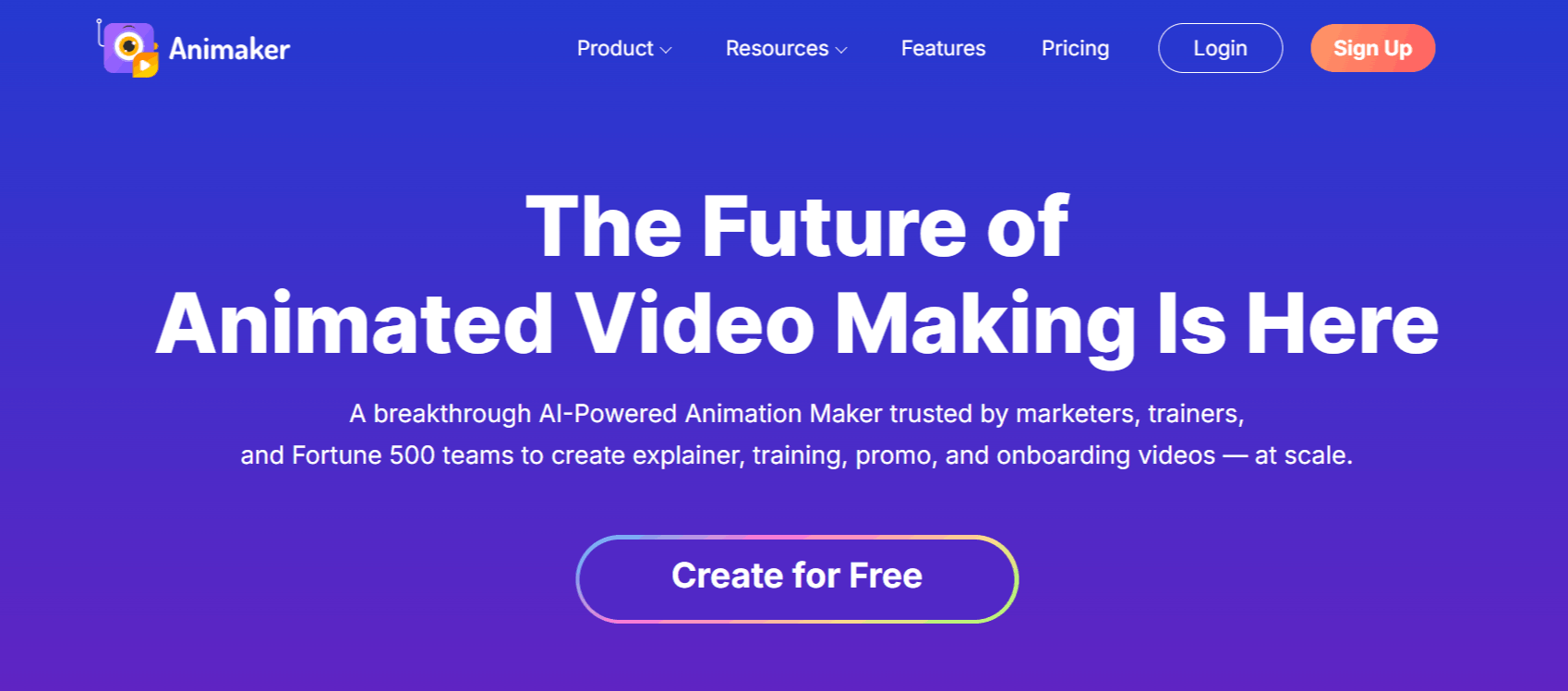
Animaker AI provides a broad suite of tools to handle the entire video production lifecycle within a browser environment. It integrates several advanced technologies to streamline the process for different skill levels.
1. AI Text-to-Video Generation
This feature allows users to input a text prompt that the system then interprets to generate an animated video. It is designed to automate the creation of characters, scenes, and narration, which can then be further refined in the editor if the initial output requires adjustments.
2. Character Builder
The custom character builder lets you design unique avatars from a vast library of facial features, outfits, and accessories. This is useful for brands that need consistent visual representations of their team or mascots across multiple video projects.
3. AI Voice Generator
Animaker AI voice generator technology converts written scripts into natural-sounding voiceovers. Supporting over 180 languages and various accents, it allows users to synchronize audio narration with their visual scenes automatically, which is a major time-saver for explainer videos.
4. Whiteboard and Infographic Tools
Beyond standard cartoon animation, the platform includes specific modes for whiteboard-style videos and data-driven infographics. These tools help creators present complex information, such as business reports or educational concepts, in an engaging and visual format.
5. Extensive Asset Library
The platform hosts millions of stock media assets, including icons, stickers, and background music tracks. This library is designed to provide immediate access to creative elements without needing to source them from external websites, keeping the production flow inside the Animaker ecosystem.
6. Video Effects Controller
For more advanced users, the effects controller provides granular control over video transitions, camera movements, and object animations. This allows for a higher level of polish, enabling creators to manipulate how scenes play out beyond simple presets.
7. Green Screen Editor
Animaker video generator enables users to remove backgrounds from their own video uploads and place them into animated scenes. It provides a way to mix live-action footage with animated elements, which is a standard requirement for corporate training or professional marketing videos.
8. Multi-Language Auto-Subtitles
To assist in reaching global audiences, the platform includes an auto-subtitle feature that can generate text overlays in various languages. This is particularly useful for creators who need to repurpose the same video content for different regional markets.
How Animaker Works
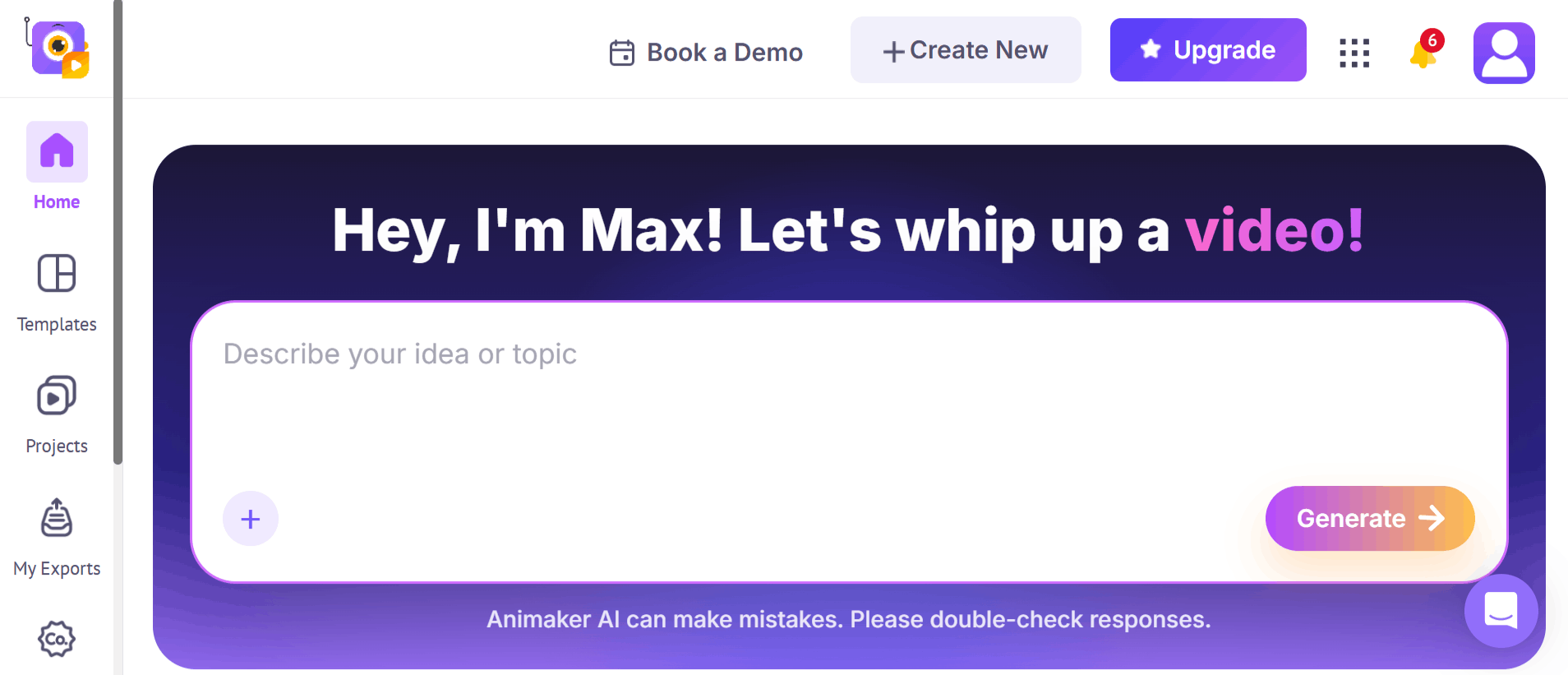
Getting started with the platform is straightforward from ideation to final export. The workflow is accessible, regardless of whether you are using the desktop browser version or exploring the mobile options.
Step 1: Create an account by visiting the website and performing the standard Www Animaker com login process.
Step 2: Choose a project type, such as an explainer video, whiteboard presentation, or a custom-sized canvas for social media.
Step 3: Utilize the drag-and-drop interface to add characters, props, and backgrounds from the extensive built-in library.
Step 4: Use the AI tools to generate scripts or voiceovers, or upload your own audio files for narration.
Step 5: Adjust the timing, transitions, and character animations using the timeline editor located at the bottom of the workspace.
Step 6: Review the project in the preview window to ensure all elements sync correctly.
Step 7: Export the final Animaker video in your preferred resolution, ranging from HD to 4K, depending on your subscription plan.
Animaker Pricing and Subscription Plans
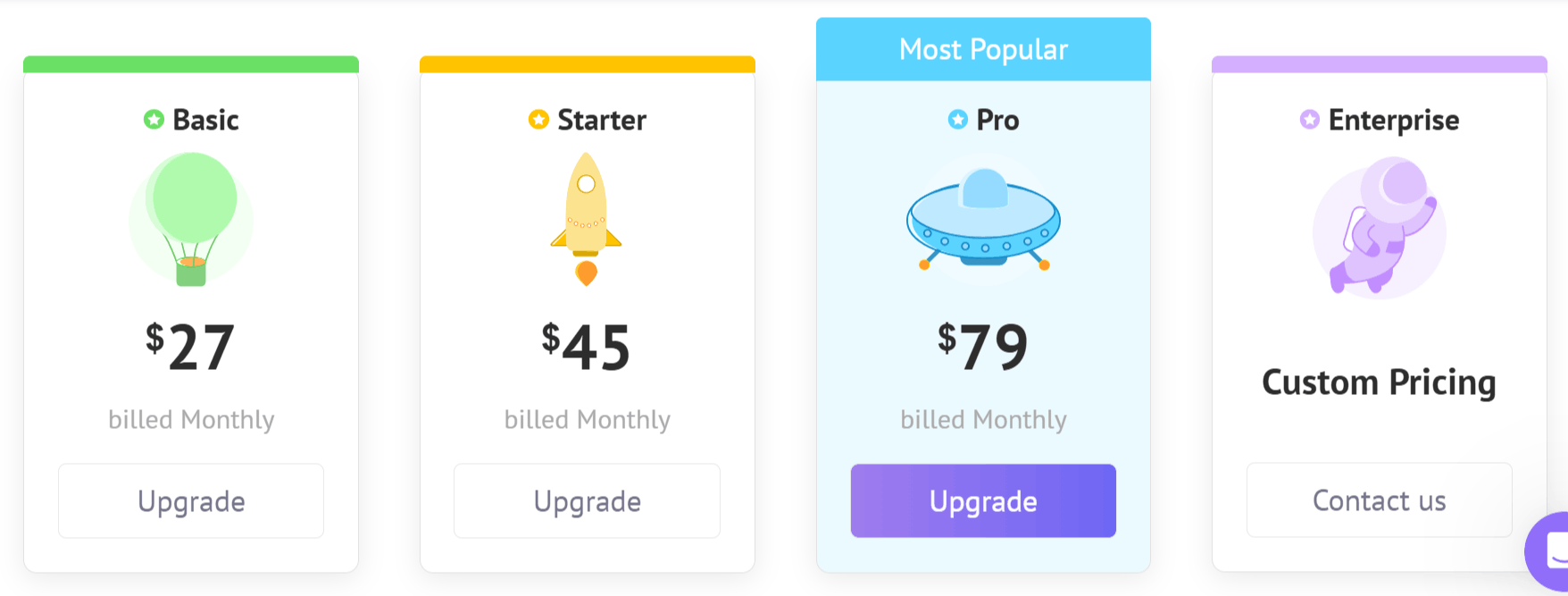
Animaker uses a tiered subscription model, offering both a free version and several paid levels that unlock higher-quality exports, more assets, and advanced features. Users can choose between monthly and yearly billing cycles, with annual plans often providing a cost-effective alternative.
Free Plan: Access to basic tools and assets, but includes watermarked exports and limited monthly exports.
Basic ($27/mo): Provides 5 premium exports per month, 720p quality, and access to 10 stock assets per month.
Starter ($45/mo): Increases capacity to 10 premium exports, 1080p quality, 15 custom characters, and 20 stock assets per month.
Pro ($79/mo): Offers 30 premium exports, 2K quality, 30 custom characters, and 45 stock assets per month.
Enterprise: Custom pricing for teams that require unlimited exports, 4K quality, team collaboration tools, and full access to the brand kit library.
Who Uses Animaker
Many different professionals use the Animaker AI to handle their video generation needs. The flexibility of Animaker AI tools makes it suitable for various industries.
Marketing Teams: Use the tool to produce promotional material and product demos at a lower cost than traditional video agencies.
Educators and Trainers: Create instructional videos and animated lessons to simplify complex topics for students or employees.
Freelancers: Leverage the platform to deliver video projects for clients quickly without needing advanced software skills.
Small Business Owners: Build social media content and explainers to improve online presence and customer engagement.
YouTubers: Utilize the character builder and animation presets to produce recurring segments or intro sequences for their channels.
Animaker Pros and Cons
Understanding both the Animaker AI advantages and limitations is key to deciding if it fits your workflow. Based on our analysis and user experiences, here are the main points.
Pros
User-Friendly Interface: The drag-and-drop system is intuitive, making it a great entry point for those without animation experience.
Extensive Asset Library: With millions of stock icons, tracks, and characters, users rarely need to leave the site to find assets.
AI Integration: The text-to-video and AI voice generator tools significantly speed up the production of standard explainer videos.
Customizable Avatars: The character builder is quite flexible, allowing for specific branding needs.
Cost-Effective Options: The existence of a free version and a relatively low-cost Basic plan makes it accessible for beginners.
Versatile Export Options: Offering resolutions up to 4K on higher tiers ensures that the output is suitable for professional displays.
Cons
Watermarking on Free Plan: Users on the free tier must deal with watermarks, which limit the professional use of the free version.
Export Limits: Even on paid plans, there are monthly caps on the number of exports, which might restrict high-volume users.
Learning Curve for Advanced Features: While basic use is easy, mastering the effects controller and timeline manipulation takes time.
Animaker Alternatives
If the specific features of this platform do not meet your requirements, there are several Animaker alternatives in the market worth exploring.
Rawshorts
Rawshorts specializes in creating marketing videos by converting text and scripts into animated sequences. It is a solid alternative if your primary focus is on business-oriented video templates.
2short AI
2shorts AI focuses on taking long-form video content and converting it into shorter, engaging clips. If your goal is to repurpose existing content rather than building animations from scratch, this is a strong competitor.
Avatar Builder
As the name suggests, this tool centers on 3D animation and avatar creation. It is a good choice if you specifically need human-like 3D presenters for your videos.
GoEnhance AI
GoEnhance AI focuses on refining and improving existing video quality through generative AI. It is useful if you are looking to polish your own raw footage rather than relying solely on stock animation assets.
VidToon
VidToon is a desktop-oriented tool that focuses on 2D cartoon animation. It is often preferred by those who want to avoid browser-based editors and prefer a downloadable software environment.
HumanPal
HumanPal uses AI to generate realistic human presenters for training and presentations. It is an ideal alternative if you want to feature a lifelike spokesperson in your videos.
Sketch Genius
This platform focuses on creating sketch-style animations, which are effective for storytelling and educational content. It is a distinct stylistic alternative to the clean, flat design look of Animaker.
Immersity AI
Immersity AI specializes in adding depth and motion to static images. It is a great choice if you have a set of assets you want to bring to life through motion rather than creating new animations.
Final Verdict and Best For
Animaker AI is a highly capable platform for those who need to generate animated content quickly and efficiently without the overhead of professional animation software.
It scores an 8/10 for its extensive library, user-friendly interface, and the sheer breadth of tools included in one ecosystem. It is best suited for small business owners, educators, and content creators who need professional results on a consistent basis.
However, users looking for highly bespoke, high-end production might find the template-based nature of the platform limiting. Overall, it is a practical, reliable, and well-supported tool for the majority of standard animated video tasks.
Frequently Asked Questions (FAQs)
This section addresses common questions regarding the platform's use and safety to help you make an informed decision.
Is Animaker actually free?
Yes, Animaker offers a free plan that allows users to create and download videos, but it comes with limitations such as watermarks and restricted access to premium assets.
What is an Animaker used for?
Animaker is used for creating a variety of animated content, including explainer videos, whiteboard presentations, social media clips, and internal training materials for businesses and educators.
What is the best free animation tool?
While the "best" tool depends on your specific needs, Animaker is frequently cited as a top contender for those seeking an easy-to-use, browser-based solution, though other tools might offer different features depending on whether you prioritize 2D, 3D, or whiteboard styles.
Is Animaker a safe site?
Yes, the site is a recognized platform in the creative industry and utilizes 128-bit SSL encryption to protect user data and transactions, making it a secure environment for creating and hosting your projects.

Animaker Alternatives
View All