Vmake AI
Vmake Features
Vmake offers a deep catalog of tools specifically tuned for the needs of e-commerce brands and social media marketers. The following features represent the core functionality that users can leverage to generate videos.
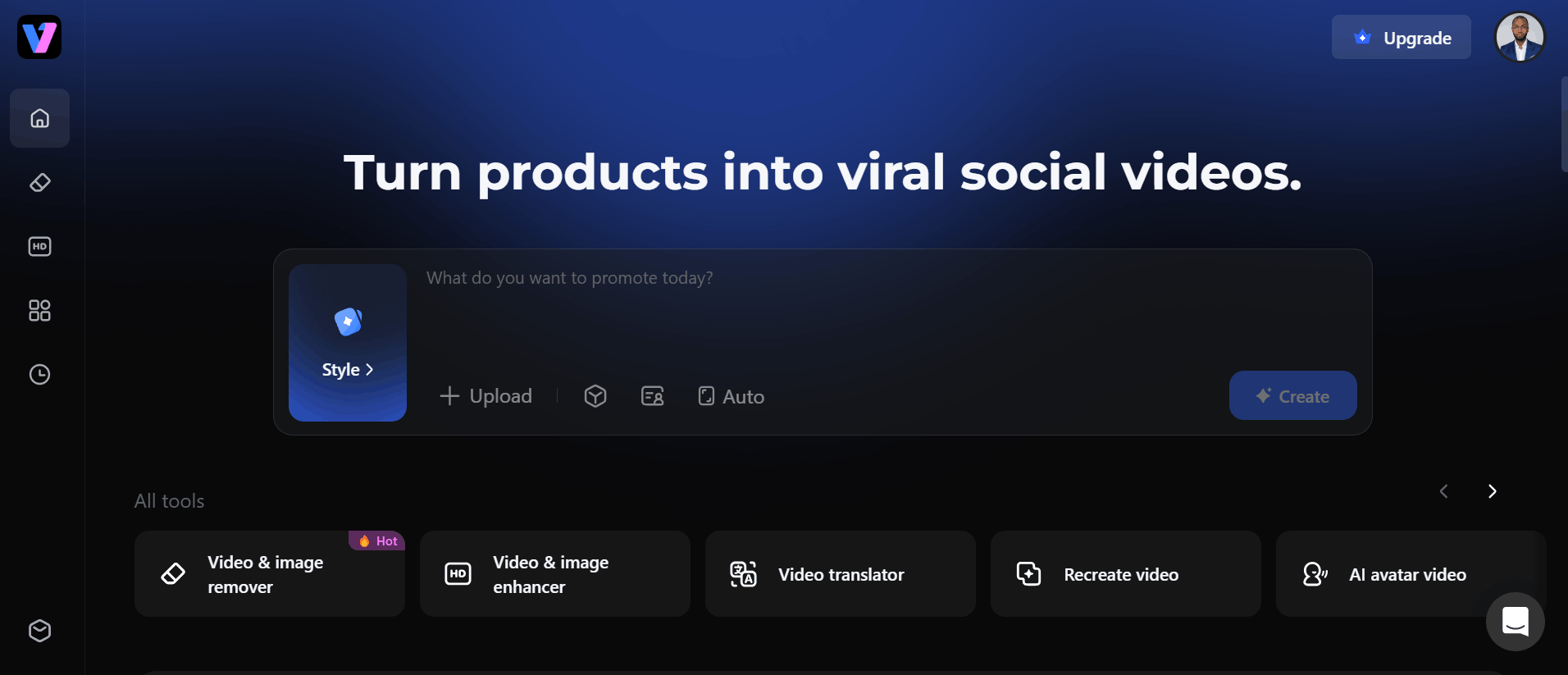
1. AI Avatar Video
Vmake AI allows users to generate shoppable, human-like videos without needing to film actual actors or models. It is a highly efficient solution for creating product demos and sales content on a budget, enabling brands to scale their video presence significantly.
2. Video Enhancer
The Vmake video enhancer is designed to breathe new life into lower-quality or repurposed footage. It works by sharpening details, balancing colors, and smoothing out noise, which is particularly useful for small businesses that may not have access to high-end studio lighting or expensive camera equipment.
3. Video Watermark Remover
Many creators struggle with existing logos or AI watermarks that clutter their final output. The Vmake AI watermark remover provides a clean, automated way to clear these distractions, ensuring that the focus remains entirely on the product or the message rather than the editing tool used to create it.
4. Video Translator
For businesses looking to reach a global audience, the video translator tool automatically adjusts speech to match different languages. This effectively removes geographic barriers, allowing your content to perform well in international markets with minimal effort.
5. Noise Reducer
High-quality audio is just as important as visual clarity. The noise reducer helps clean up background interference in your recordings, turning average raw audio into professional-sounding voiceovers that are easy for your audience to listen to and understand.
6. AI Thumbnail Generator
Thumbnails are crucial for driving click-through rates. This tool creates professional-looking visuals that capture the attention of viewers instantly, ensuring that your videos get the initial exposure they need to succeed on social media feeds.
7. Video Background Remover
If you need to change your scene or create a cleaner, more professional look, this tool isolates the subject and removes the background entirely. It is a vital feature for creators who want to overlay their video on custom graphics or product photos.
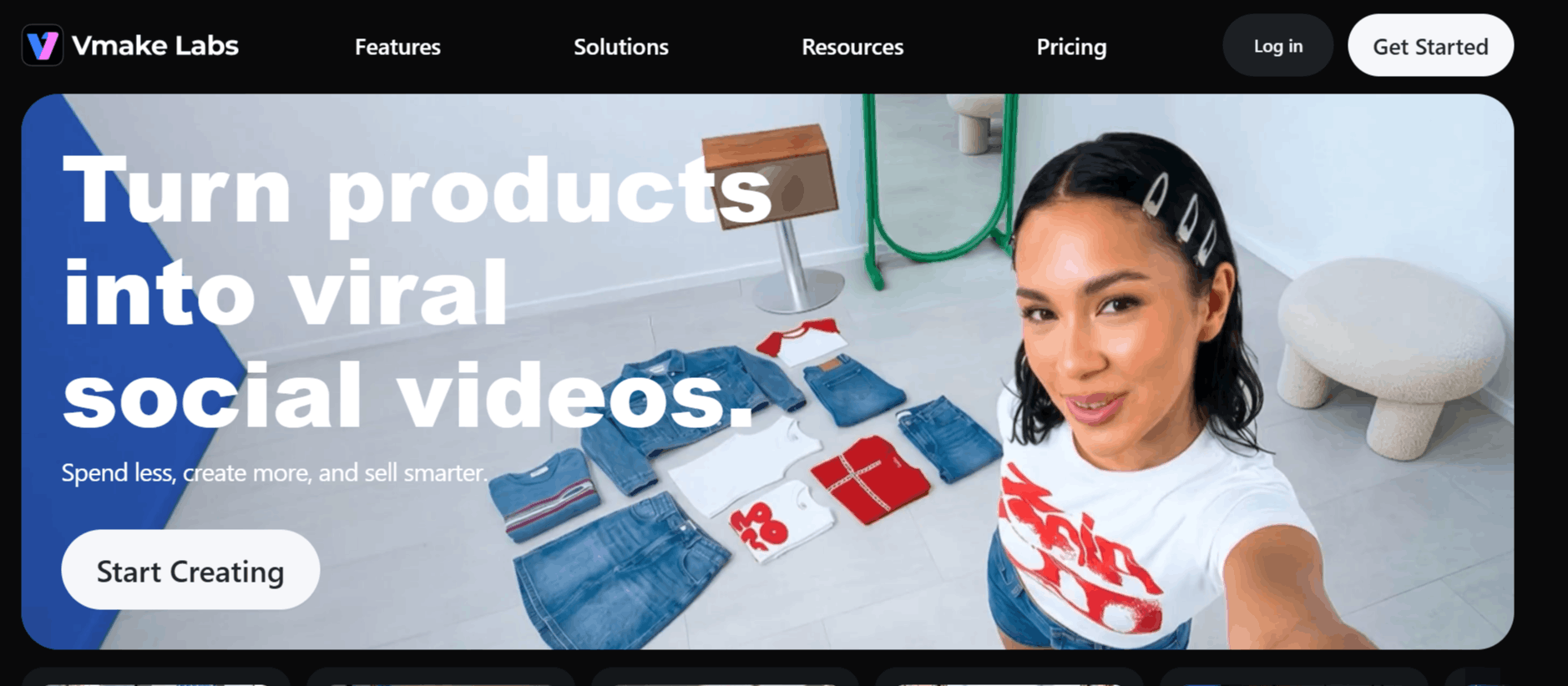
How Vmake Works
Getting started with Vmake is a straightforward process designed to minimize the learning curve. Below is the typical workflow for an average user.
Step 1: Sign up for a Vmake login on the official website to access the dashboard.
Step 2: Upload your raw footage or images to the platform’s secure cloud interface.
Step 3: Select the specific tool you need, such as the video enhancer or the background remover.
Step 4: Allow the AI to process your file, which usually takes only a few moments.
Step 5: Review the generated result and make minor adjustments if necessary.
Step 6: Export your final, polished video in your preferred resolution.
Vmake AI Pricing and Subscription Plans
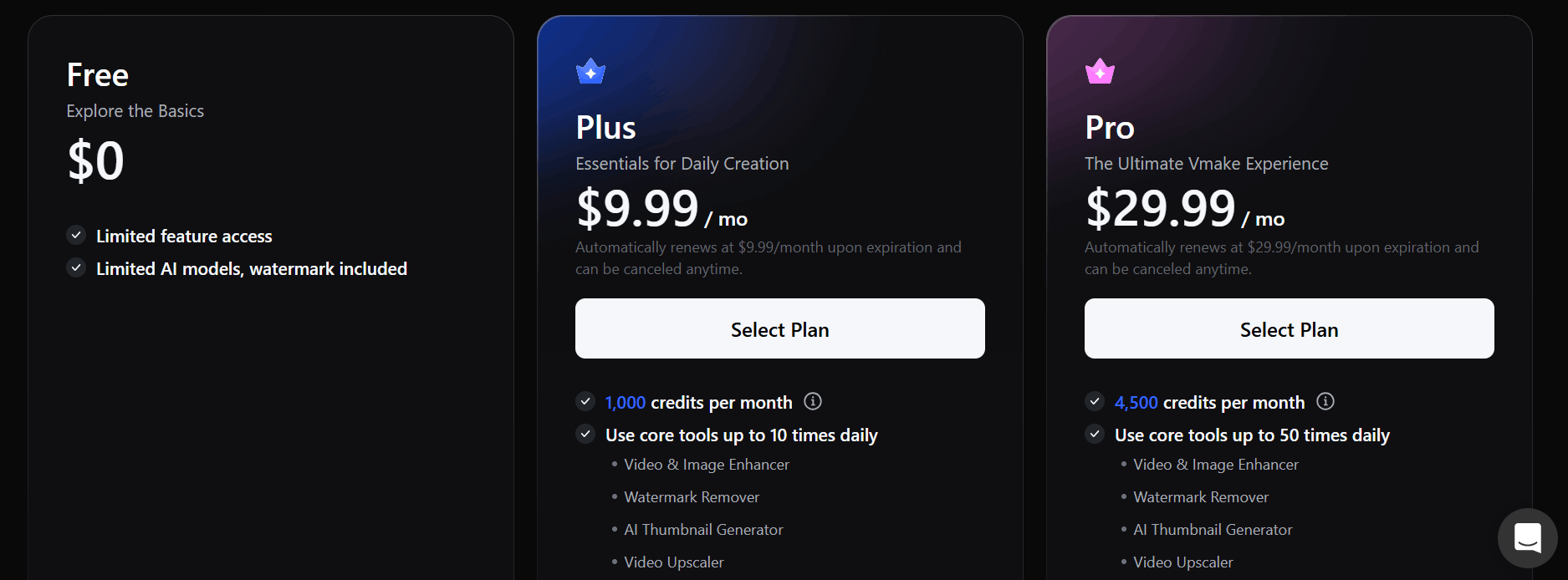
Vmake offers a tiered pricing structure for casual users, growing creators, and professional teams. Users can opt for monthly or yearly billing cycles to best suit their budget.
Free Plan: Costs $0 and includes limited feature access. This is a great starting point for those who want to explore the basic functionality, though it includes watermarks on generated content.
Plus Plan: Starting at $9.99/month, the plan is provided for daily creators. It offers 1,000 credits per month and allows users to utilize core tools like the watermark remover and video enhancer up to 10 times per day.
Pro Plan: $29.99/month. The ultimate experience for power users. This plan offers 4,500 credits per month, allows up to 50 uses of core tools daily, and unlocks advanced features like 2K and 4K export and access to premium models like Kling and Wan 2.2.
Who Uses Vmake
Vmake AI is tailored for anyone looking to scale their product video creation without the stress of manual production.
Content Creators: Individuals making short-form content for platforms like TikTok and Reels who need quick, professional editing tools.
Marketing Teams: Professionals managing multiple brand campaigns who need to generate ads at scale.
Small Business Owners: Entrepreneurs who need to showcase products without expensive filming equipment or professional editors.
E-commerce Brands: Businesses using platforms like TikTok Shop that require frequent, high-quality, shoppable video content.
Social Media Managers: Agencies needing to rapidly polish client assets for different social media platforms.
Vmake AI Pros and Cons
While Vmake provides significant value, it is important to understand the balance of its strengths and weaknesses.
Pros
User-Friendly Interface: The platform is highly intuitive, making it easy for beginners to navigate.
Versatile Toolset: It bundles almost every essential tool for UGC video production into one dashboard.
High-Quality Upscaling: Users often report satisfaction with the video upscaler for enhancing low-res footage.
Consistent Updates: The team behind Vmake is active, frequently adding new AI models to the platform.
Fast Rendering: The automated workflows are efficient, saving users significant time compared to traditional editing.
Commercial Use Rights: Paid plans explicitly include commercial rights, which are essential for business usage.
Cons
Credit-Based System: Heavy users might find the monthly credit limits on the Plus plan restrictive.
Free Tier Limits: The free version has notable limitations, including watermarks, which make it less viable for professional work.
Learning Curve for Advanced Models: Some of the newer, more powerful AI models can take time to master for optimal output.
Vmake AI Alternatives
Choosing the right AI video tool depends on your specific needs, such as whether you need advanced voiceovers or more robust animation features.
Creatify
Designed specifically for e-commerce, Creatify helps turn product links into ad videos. It is a direct competitor for brands that want to automate their advertising creative.
Maxfusion AI focuses on AI-generated marketing visuals and videos for brands. It helps businesses create promotional content quickly with automated creative workflows.
MakeUGC AI specializes in creating AI-generated user-generated content (UGC) style videos. It is designed for marketers and e-commerce brands that want authentic-looking product testimonials and social media ads without hiring creators.
APOB AI enables users to generate AI influencers, avatars, and personalized visual content for marketing. It is a suitable alternative for businesses looking to create branded AI characters and promotional media.
Arcads AI is built for producing AI-powered video advertisements using realistic AI actors. It helps brands generate multiple ad variations quickly, making it a strong choice for performance marketing and social media advertising.
DeepBrain AI
DeepBrain AI is best known for its realistic avatars. If your primary goal is to have an AI presenter speak your script, this platform offers a more specialized experience than Vmake.
Fliki
Fliki excels at turning text or blog posts into videos with realistic AI voices. It is a strong alternative if your workflow focuses more on script-to-video production than on enhancing raw footage.
Capcut
A major player in the video editing space, CapCut provides a robust set of editing features and effects. It is ideal for users who want a mobile-first approach and an extensive library of trending audio and templates.
Captions
This tool specializes in adding dynamic, high-engagement captions to videos. It is the go-to choice for creators who focus primarily on talking-head videos and want to keep viewer retention high.
Animoto
Animoto is a veteran in the space, offering a drag-and-drop builder that focuses on templates. It is excellent for those who want a simple, structured way to create marketing videos without deep technical knowledge.
Elai
Elai offers a platform for creating AI avatar videos with a focus on enterprise and training needs. If you need professional presentations or educational content, this is a solid alternative.
Clipfly
Clipfly acts as an online AI video editor that provides a variety of quick, one-click enhancements. It is a lightweight alternative for users who want a no-fuss editing experience.
Final Verdict and Best For
Vmake AI earns a solid 7/10 for its broad utility and user-centric design. It effectively solves the problem of "how to make UGC content look better without an editor." It is particularly well-suited for e-commerce marketers and solo creators who operate on a volume-heavy strategy.
While some users may find the credit system limiting as they grow, the platform offers enough immediate value in its enhancement and generation tools to justify its cost for most professional users.
If your needs are primarily focused on professional video production or complex storytelling, you might need more specialized software, but for the average social media marketer, Vmake AI is a capable and efficient companion.
Frequently Asked Questions (FAQs)
This section answers common questions potential users have about Vmake AI.
Is Vmake AI free?
Vmake offers a free version with limited features to allow users to test the platform. However, the free plan includes watermarks on generated content, so upgrading is usually necessary for professional projects.
Is Vmake AI safe?
Yes, Vmake operates with standard security practices for user data and content storage. They prioritize user privacy and offer secure payment options for their subscription plans.
What is Vmake used for?
Vmake AI is used primarily for creating, enhancing, and optimizing UGC videos for marketing and social media. It simplifies tasks like background removal, noise reduction, and video upscaling to help brands look more professional.
What is the latest version of Vmake?
Vmake is a cloud-based service, meaning it is constantly updated on the backend. You do not need to download a "version" like a traditional app; you are always using the most current iteration of their AI tools when you log in.

Vmake AI Alternatives
View All