Neural Frames

Neural Frames Features
The feature set of this Neural Frames is centered around giving users creative control over video generation, focusing heavily on audio-reactive capabilities and consistency across frames. Below are the features that define the user experience.
1. Audioreactive Generation
This feature analyzes the rhythm, energy, and structural elements of an uploaded audio file. By breaking the song into stems, the system forces the visual output to pulse and react to specific frequencies, making it a popular choice for music producers who want their visuals to move in time with their tracks.
2. Frame-by-Frame Control
For users who need precise visual direction, the tool offers a manual editor. This allows for adjustments to the sequence on a granular level, ensuring that specific scenes or visual transitions align perfectly with the creator's intent, rather than relying entirely on automated generation.
3. Autopilot Mode
As the name suggests, the Neural Frames Autopilot mode is designed for speed, allowing users to go from a music file to a finished video in a few clicks. It is intended for creators who need to churn out visualizers or social media content quickly without spending hours on fine-tuning.
4. Multiple AI Models
Users can choose from a variety of models such as Kling, Seedance, Runway, and Stable Diffusion. Each model has unique strengths; some are better for photorealistic motion, while others excel at abstract or artistic interpretations, allowing for stylistic flexibility depending on the project's needs.
5. Custom Model Training
This feature enables users to upload their own images to train the model on specific subjects or artistic styles. By using 10-20 images for character consistency or 50-100 for aesthetic training, creators can ensure that their avatar or brand identity remains consistent throughout an entire video or across multiple projects.
6. Upscaling Capabilities
To ensure the output is suitable for professional platforms, the system includes an integrated upscaling tool. This feature enhances the resolution of generated videos up to 4K, providing a cleaner, more broadcast-ready finish that is often necessary for YouTube or high-definition displays.
7. Text-to-Video Editing
Beyond audio-based generation, the platform provides a text-to-video timeline editor. This gives users a familiar structure for arranging clips and applying AI transformations, which is helpful for those coming from traditional non-linear editing environments.
8. Character Consistency
One of the biggest challenges in AI video is keeping subjects looking the same from shot to shot. This specific toolset is designed to maintain character features, clothing, and environment details across the duration of a video, addressing one of the most common issues in generated media.
How Neural Frames Work
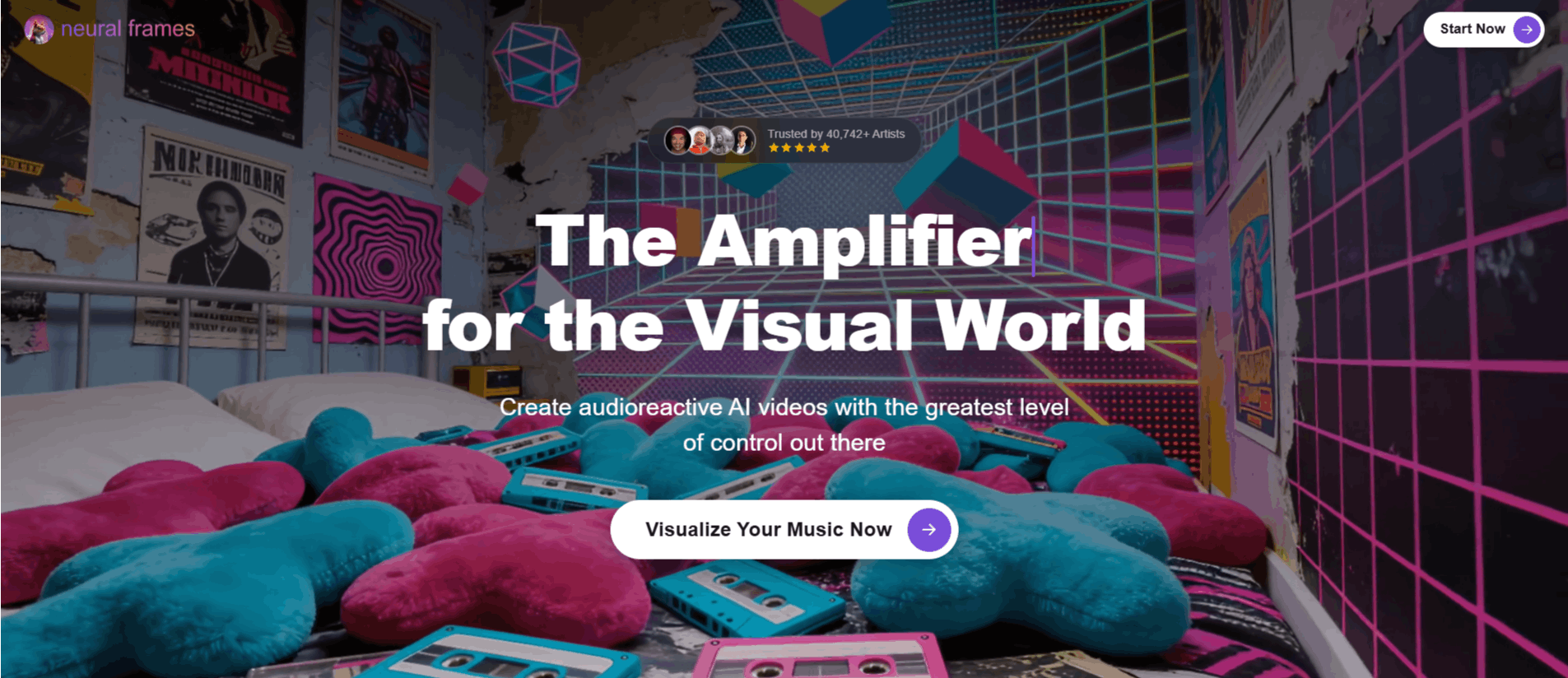
Getting started with the platform follows a straightforward path designed to move the user from raw input to exported video. Here is the general workflow.
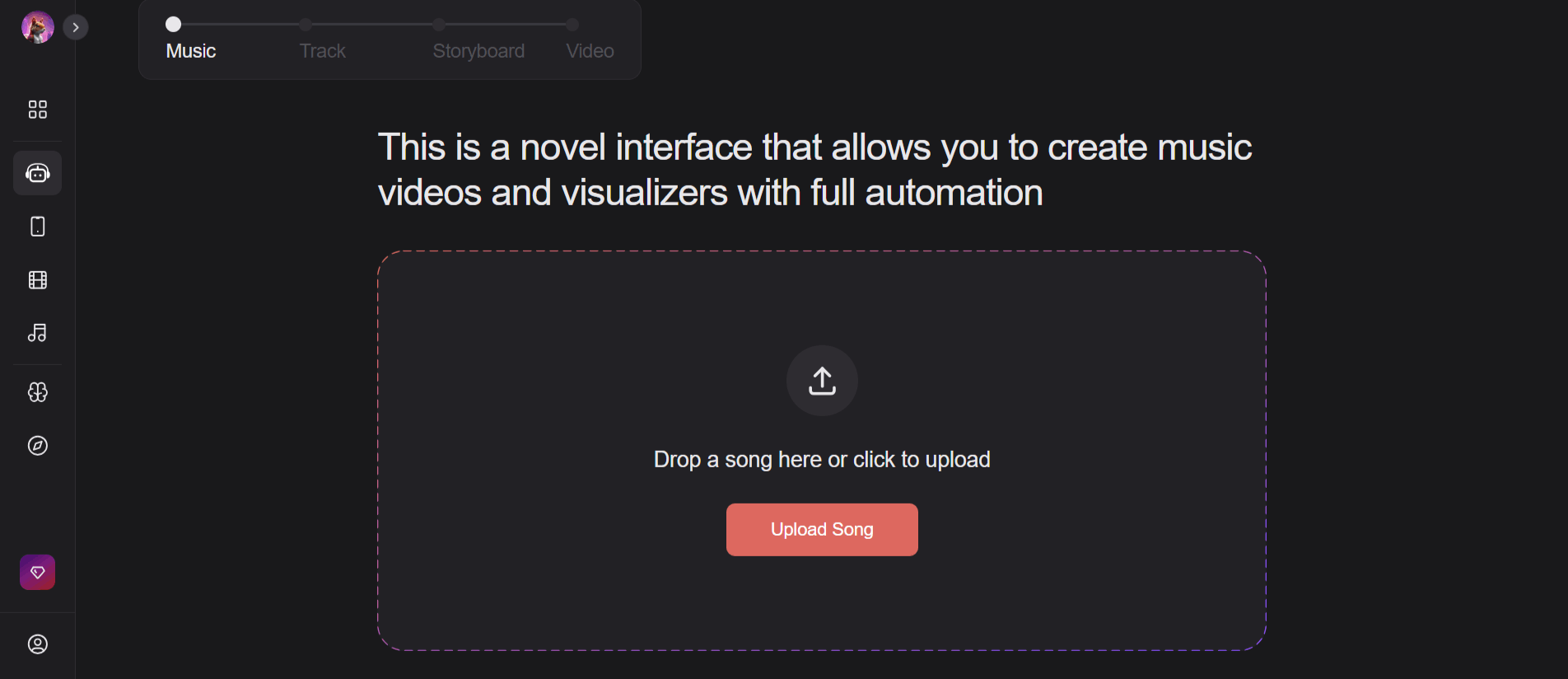
Step 1: Create an account and complete the initial Neural Frames login to access the dashboard.
Step 2: Choose your mode, such as the AI-driven Autopilot for quick results or the advanced timeline editor for deeper control.
Step 3: Upload your audio track or enter a text prompt to define the scene you want to create.
Step 4: Select an AI model from the available list, keeping in mind that different models will yield different aesthetic results.
Step 5: Configure the reaction settings if using audio, defining how the video should respond to specific beats or vocal patterns.
Step 6: Preview and adjust the sequence using the editing tools if necessary to fix any visual artifacts.
Step 7: Initiate the generation process, which leverages the platform’s GPU power to render the video.
Step 8: Use the built-in upscaling feature to finalize the resolution before downloading the final file.
Neural Frames Pricing and Subscription Plans
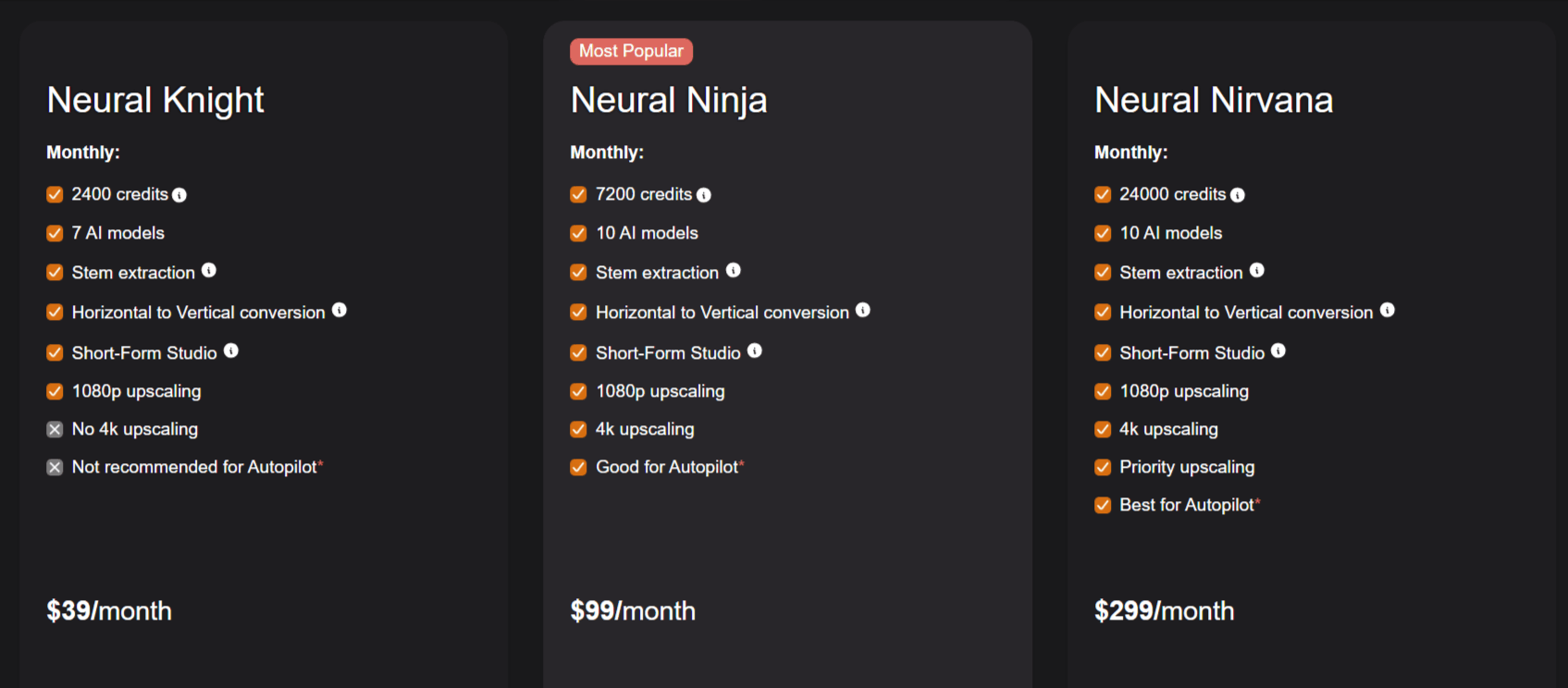
The pricing structure of the platform relies on a credit-based system that limits the amount of video generation users can perform each month.
Neural Knight ($39/month): Includes 2,400 credits, 7 AI models, stem extraction, and 1080p upscaling. This tier is not ideal for those who rely heavily on the Autopilot feature.
Neural Ninja ($99/month: Provides 7,200 credits, 10 AI models, and 4K upscaling. This is positioned as the standard plan for users who want a balance of speed and quality.
Neural Nirvana ($299/): Offers 24,000 credits, 10 AI models, priority upscaling, and is recommended for power users utilizing the Autopilot feature frequently.
Who Uses Neural Frames
Many different types of creators use this tool for their video creation workflows.
Independent Musicians: These creators use the platform to generate music videos and visualizers for their tracks without needing a massive budget or a film crew.
Social Media Content Creators: Individuals creating content for TikTok or Instagram Reels use the tool to generate fast, engaging visual loops that stop the scroll.
Digital Artists: Artists looking to experiment with AI animation find the platform's control tools helpful for blending traditional design with machine-generated sequences.
Label Managers: Those in the music industry use the platform to generate promotional video content for artists on their roster at a lower cost than traditional production.
Podcasters: Creators use the platform to create visually interesting clips to accompany their audio content on platforms like YouTube.
Neural Frames Pros and Cons
Below are the Neural Frames high praises and its practical limitations.
Pros
High-Quality Audio Reactivity: The system does a great job at syncing visuals to audio stems, which is a major advantage for music-focused content.
User-Friendly Interface: Compared to raw Stable Diffusion interfaces, the platform is much more approachable for non-technical users.
Commercial Ownership: Users retain full rights to the videos they create, which is essential for artists looking to monetize their content on YouTube or Spotify.
Character Consistency: The ability to train custom models makes it easier to keep recurring elements in videos, which is a common pain point for AI generation.
Flexible Model Selection: Access to multiple models, like Kling and Runway, provides a good range of visual styles.
Helpful Community: The linked community resources and tutorials make the learning curve significantly shallower.
Cons
Credit-Based Costs: The subscription model can become expensive if you generate high volumes of video, as high-end outputs consume credits quickly.
Learning Curve for Manual Control: While basic use is simple, mastering the frame-by-frame editor takes time and patience.
No Truly Free Tier: While you can try out the product, there is no perpetual free version, which may prevent you from using it.
Hardware Independence: Because the processing happens in the cloud, you are limited by the platform's current GPU load and queue times during busy periods.
Final Verdict and Best For
Neural Frames is a solid, purpose-built platform that successfully lowers the barrier for musicians and artists to create professional-looking AI video content. By prioritizing audio-reactivity and character consistency, it solves real problems for a specific niche of creators who need high-quality visuals without the overhead of traditional production.
While the credit-based pricing means you need to be mindful of your usage, the performance and output quality are generally strong. Scoring it 8.5/10, we recommend it primarily for independent musicians and social media managers who want to sync their content with sound.
If you are looking for corporate presentation tools or simple stock footage editing, you should look elsewhere.
Frequently Asked Questions (FAQs)
This section addresses common questions regarding Neural Frames AI functionality and pricing model.
Is Neural Frames worth it?
For users specifically needing to sync AI visuals to music or maintain character consistency over long sequences, the tool is often considered worth the investment. However, if your needs are more basic, such as simple video cutting, you might find the costs hard to justify compared to cheaper alternatives.
How do Neural Frames work?
The platform uses a cloud-based GPU engine to process user inputs. You provide a prompt or an audio file, choose an AI model, and the system translates that data into a video sequence by applying generative AI models, which you can then refine via their dashboard.
How much are Neural Frames?
The costs range from $39 per month for the entry-level plan to $299 per month for the premium tier. These plans differ mainly in the number of credits provided and the access level to higher-end features like 4K upscaling.
Is neural frame AI free?
No, there is no permanent free tier available for the service. It is a professional tool that requires a subscription to access its rendering engines.
How do Neural Frames relate to AI?
The tool is a wrapper and interface for several leading generative AI models like Stable Diffusion, Kling, and Runway. It serves as the bridge that makes these complex models accessible to artists via a user-friendly UI.

Neural Frames Alternatives
View All