Visla AI

Visla AI Features
Visla offers a deep set of tools that span from initial recording to final distribution. These features are built to work together, ensuring that you can move from a raw idea to a finished video seamlessly within one environment.
Recording Suite
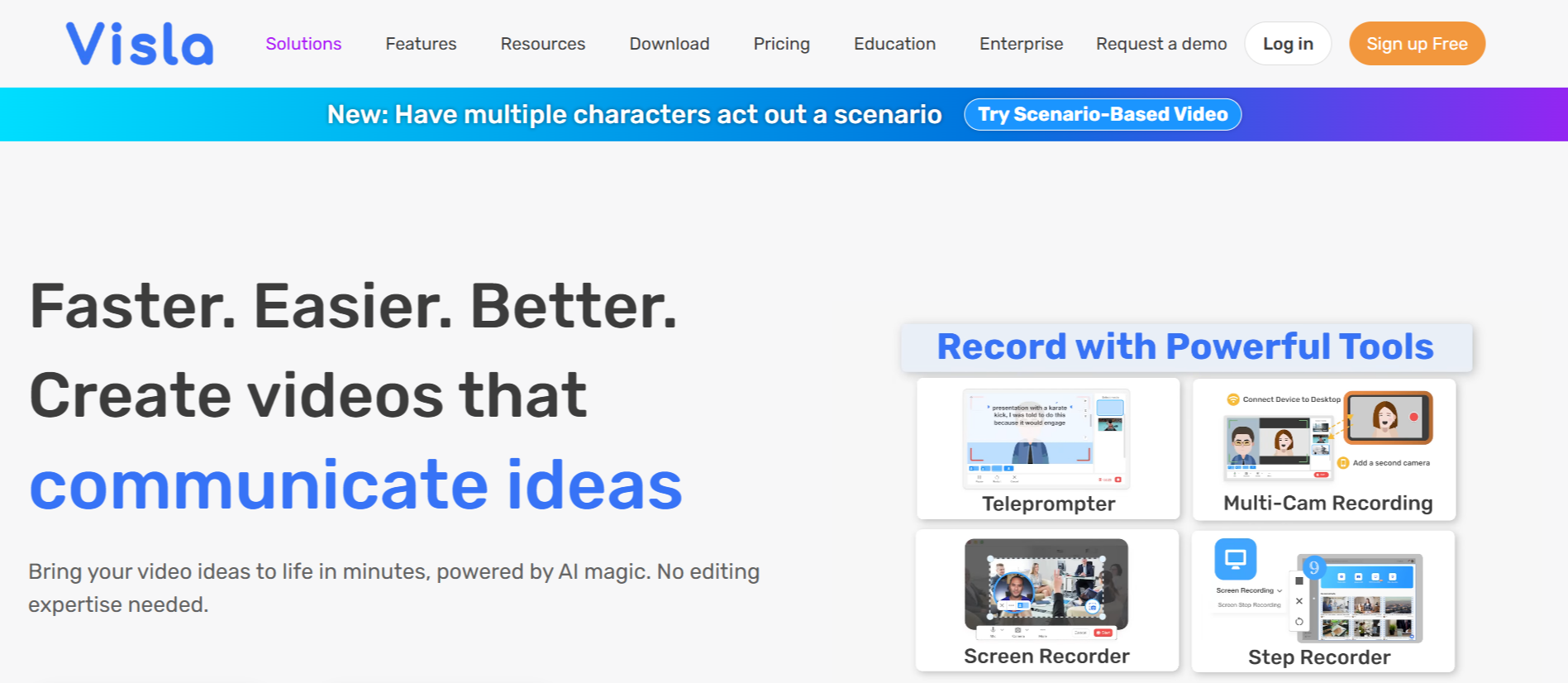
The recording suite is a standout part of the platform, allowing users to capture their screen, camera, or both simultaneously. It supports high-quality output for desktop and mobile, making it useful for everything from quick tutorials to formal meeting recordings.
AI Video Agent
The AI Video Agent serves as the engine of the platform. You can provide it with a script, a URL, a PDF, or just a simple idea, and the agent will assemble a video for you. It handles the heavy lifting by pulling relevant stock footage and organizing the flow, which significantly speeds up the creation process.
Transcript-Based Editing
Editing a video by its transcript is a feature that changes how users approach post-production. Instead of dragging clips on a timeline, you edit the text of the speech, and the video cuts follow automatically. This makes removing filler words or rearranging sections as simple as typing in a document.
AI Personalization and Avatars
For users who prefer not to appear on camera, Visla AI provides access to photorealistic AI avatars. You can pair these avatars with voice clones to create consistent, high-quality narration.
Collaboration and Teamspaces
Collaboration features allow multiple team members to work in the same workspace. You can organize assets, share feedback via timestamped comments, and manage approvals. This ensures that everyone stays on the same page, whether they are in the office or working remotely.
Smart Stock Library
Visla AI tool integrates a vast library of stock footage and music, which the AI can suggest based on your script content. This saves time on manual searching and ensures that the visuals match the tone and mood of your narrative.
Branding and Customization
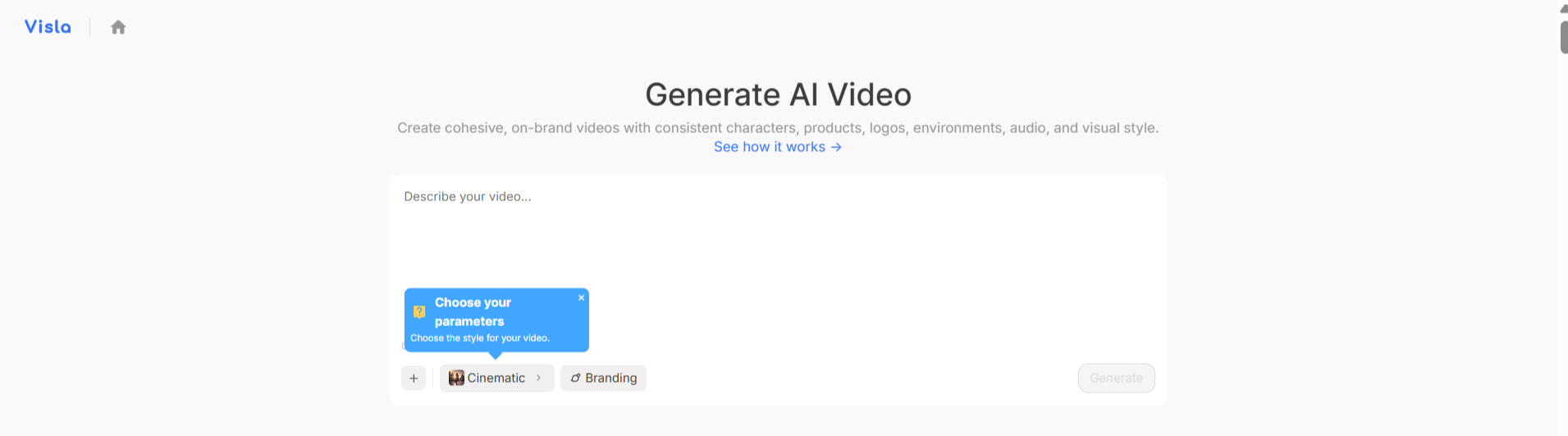
Maintaining brand identity is easy with global branding settings. You can apply specific logos, colors, and font styles across all your videos to ensure they look consistent.
How Visla AI Video Generator Works
Visla AI simplifies the video production journey into a few repeatable steps. The platform is designed to take you from a concept to a finished project through a logical, AI-supported sequence.
Step 1: Record your source content using the built-in screen or camera recorder, or upload existing media.
Step 2: Feed an idea, document, or script into the system for the AI to analyze.
Step 3: Use the Visla AI Video Agent to generate a draft of the video, complete with narration and stock footage.
Step 4: Refine your draft using the transcript-based or scene-based editor to add text overlays, adjust branding, or trim specific sections.
Step 5: Export the video in your preferred format or embed it directly into your website or communication channels.
Visla AI Pricing and Subscription Plans
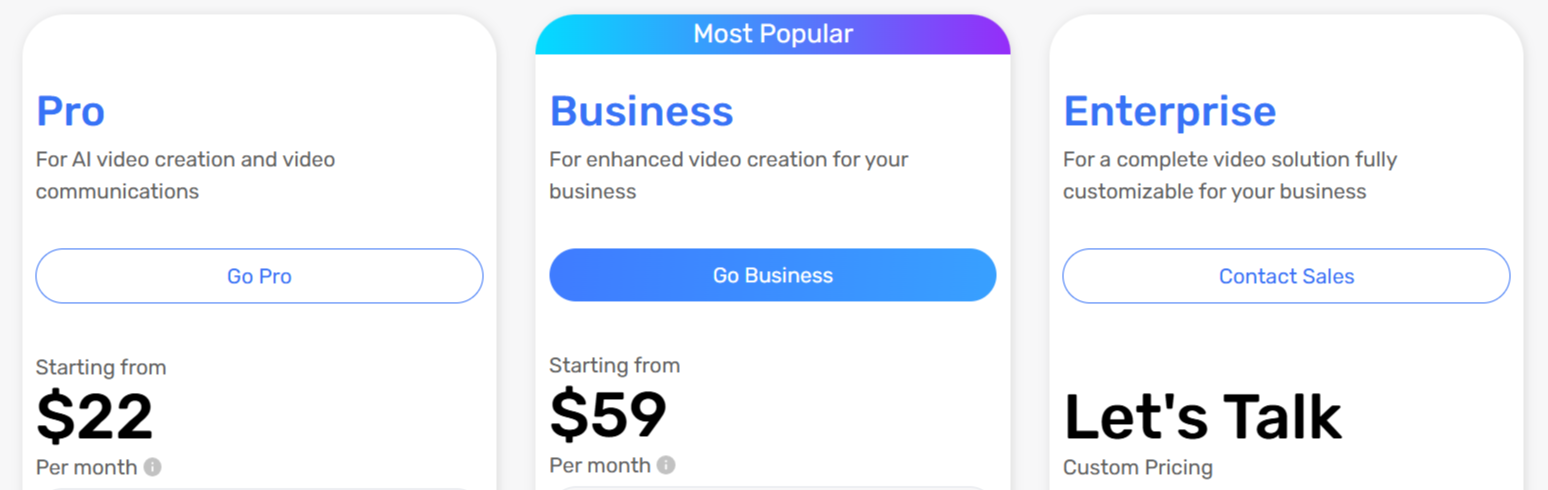
Visla offers a tiered pricing structure to accommodate different user needs, ranging from casual creators to large enterprise teams. Understanding how the credit system works is important for choosing the right plan.
Plan/Tier | Pricing | Features |
Free | $0/mo | Basic recording, standard stock library, watermark on exports. |
Pro | $22 | Advanced recording, transcript editing, 2M stock videos, no watermark. |
Business | $59 | 4K exports, Getty Images access, custom avatars, priority support. |
Enterprise | Custom | Unlimited avatars, SSO, dedicated account manager, API access. |
Who Uses Visla AI Tool
Visla AI tool is used by professionals and teams looking to increase their video output without adding significant manual labor.
Content Creators: Individuals and influencers use it to quickly repurpose their content for multiple platforms.
Marketing Teams: Departments use it to create product demos, social media ads, and promotional content at scale.
Educators and Trainers: Teachers and instructors create step-by-step tutorials and narrated presentations.
Sales Professionals: Teams use it to send personalized video messages to prospects and explain complex features.
Corporate Communications: Companies use it to share internal updates and training materials across global teams.
Visla AI Pros and Cons
While Visla AI tool offers a powerful suite of tools, it is helpful to look at both the benefits and potential limitations.
Pros
Efficient Editing: The transcript-based editing significantly reduces the time spent in post-production.
Quality Recording: Users appreciate the flexibility of recording screen, camera, and system audio in one go.
AI Assistance: The ability to turn a simple text prompt into a video saves hours of manual work.
Collaboration: Team-based workspaces make it easy to manage feedback and approvals on a single platform.
Easy Branding: Having a central place for logos and style presets ensures brand consistency across projects.
Broad Utility: The tool works well for both casual creators and those looking for an enterprise-grade Visla AI video workflow platform.
Cons
Credit-Based Costs: Heavy use of AI features can deplete credits quickly, so you'll need to manage your budget.
Learning Curve for AI: New users might need time to understand which inputs yield the best AI-generated results.
Free Plan Limits: The free tier is quite restrictive, intended more for testing than for consistent production.
Export Times: Complex projects with heavy AI processing can sometimes take longer to export than simple clips.
Final Verdict and Best For
Visla AI video generator is an effective platform for anyone who wants to professionalize their video communication without needing deep editing expertise.
We score it 8/10, as it balances powerful automation with user-friendly controls. It suits teams and professionals who frequently create educational, sales, or internal content and want a unified workflow. While the credit-based system requires careful oversight, the time saved through AI-assisted editing and recording is a major gain.
If you need a comprehensive tool to handle your entire video pipeline, Visla AI is a very strong contender.

Visla AI Alternatives
View All